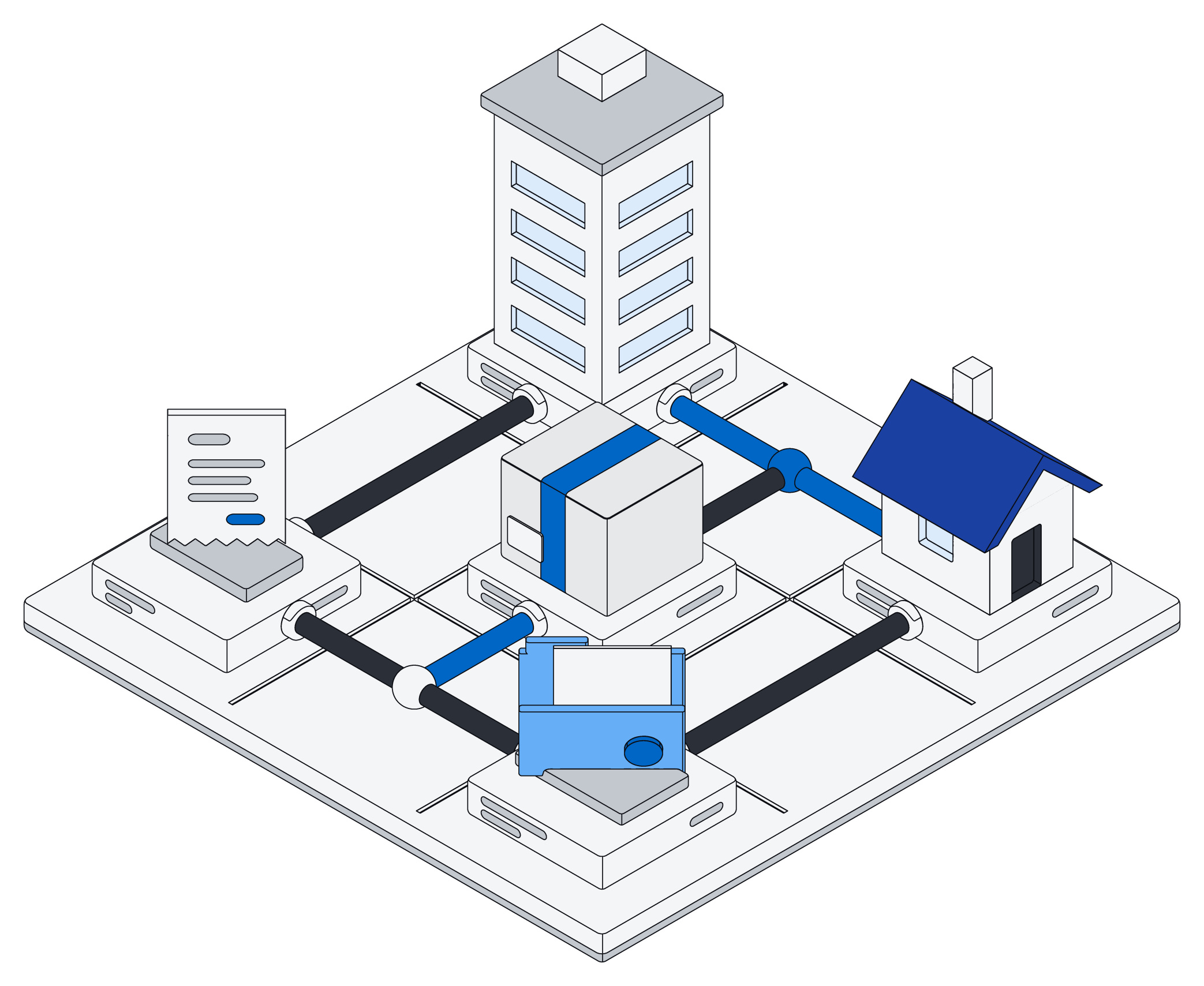
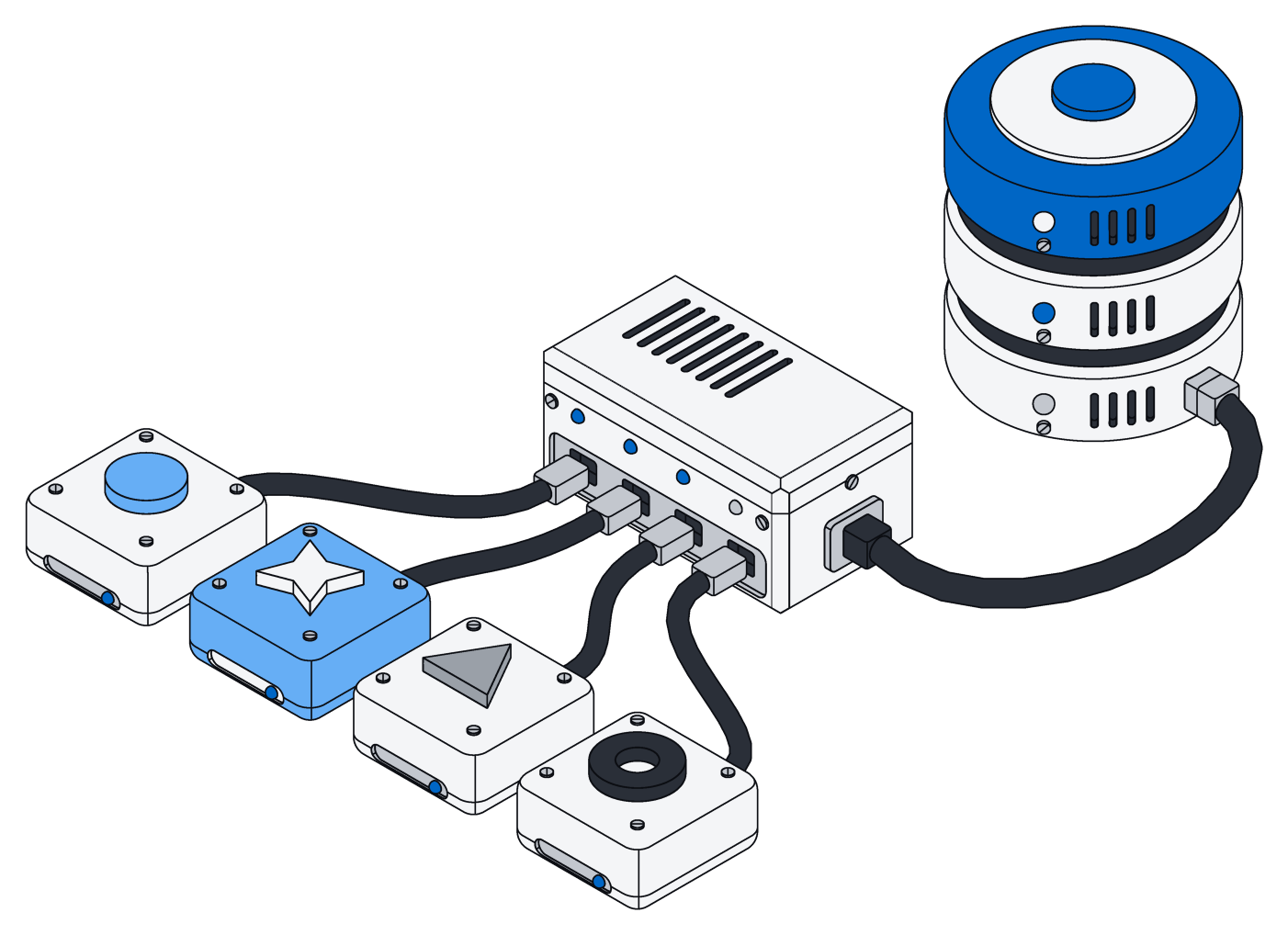

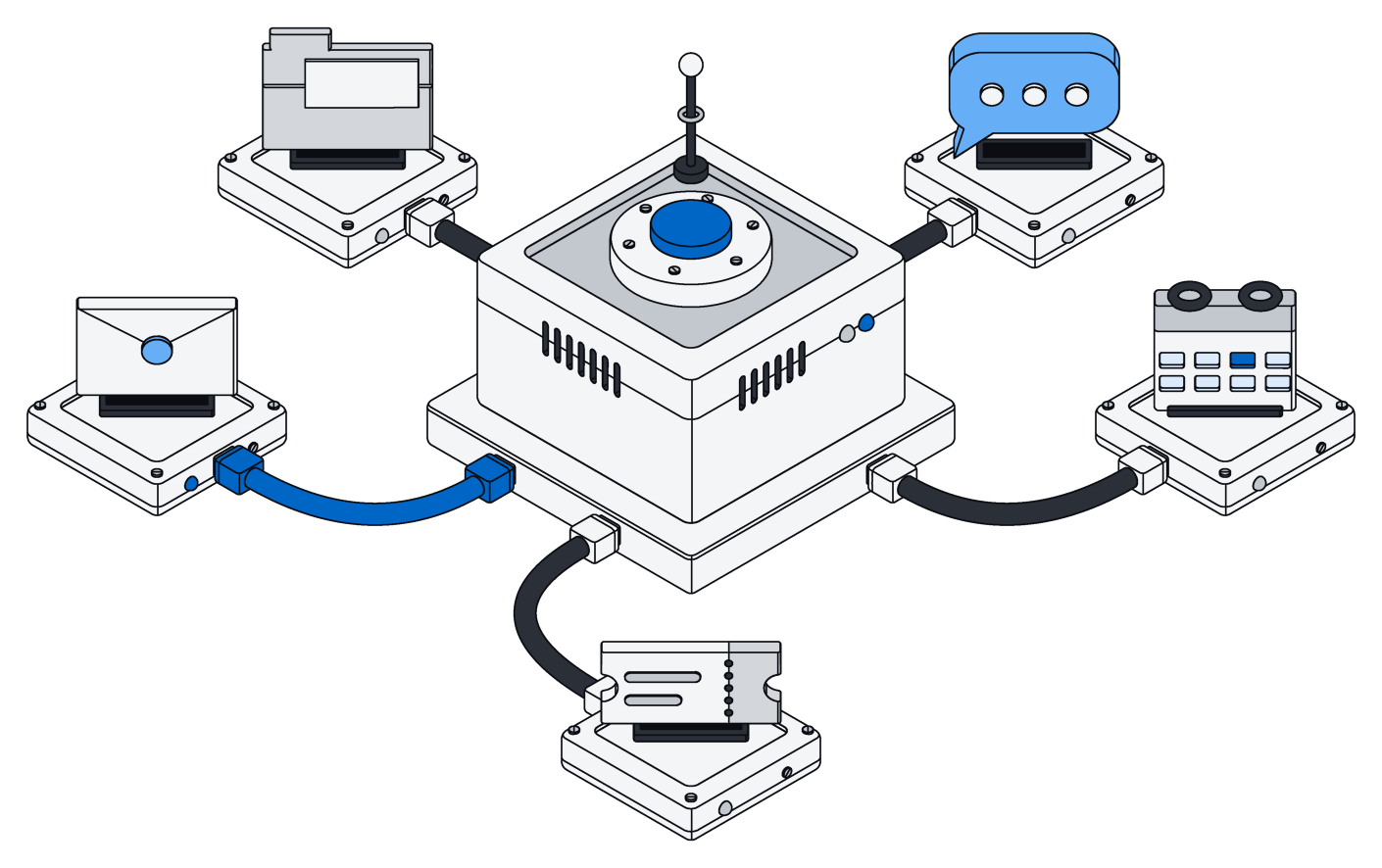


When an AI assistant works with another app, it does so through tools: little actions the app offers, like "find a client" or "update an invoice." The common way to connect an assistant to a business app is to offer a lot of them. One for every kind of lookup, one for every kind of change, sometimes a hundred or more.
Archive gives your assistant exactly one. That sounds like less. In practice it is a lot more, and the easiest way to see why is to step into a kitchen.
The drawer full of gadgets
Most kitchens have that one drawer. An egg slicer, a cherry pitter, a garlic press, an avocado tool, a strawberry huller. Each does one thing well. None of them can do anything else, and to cook a real meal you have to dig through the drawer, find the right gadget for each step, and hope there is one for the step you need.
Now picture a good cook with a knife and a recipe card. The recipe says what to do, in order: chop these, set those aside, taste, adjust. The cook follows it from start to finish. One general tool, guided by clear instructions, covers almost anything the gadgets do, plus everything they don't.
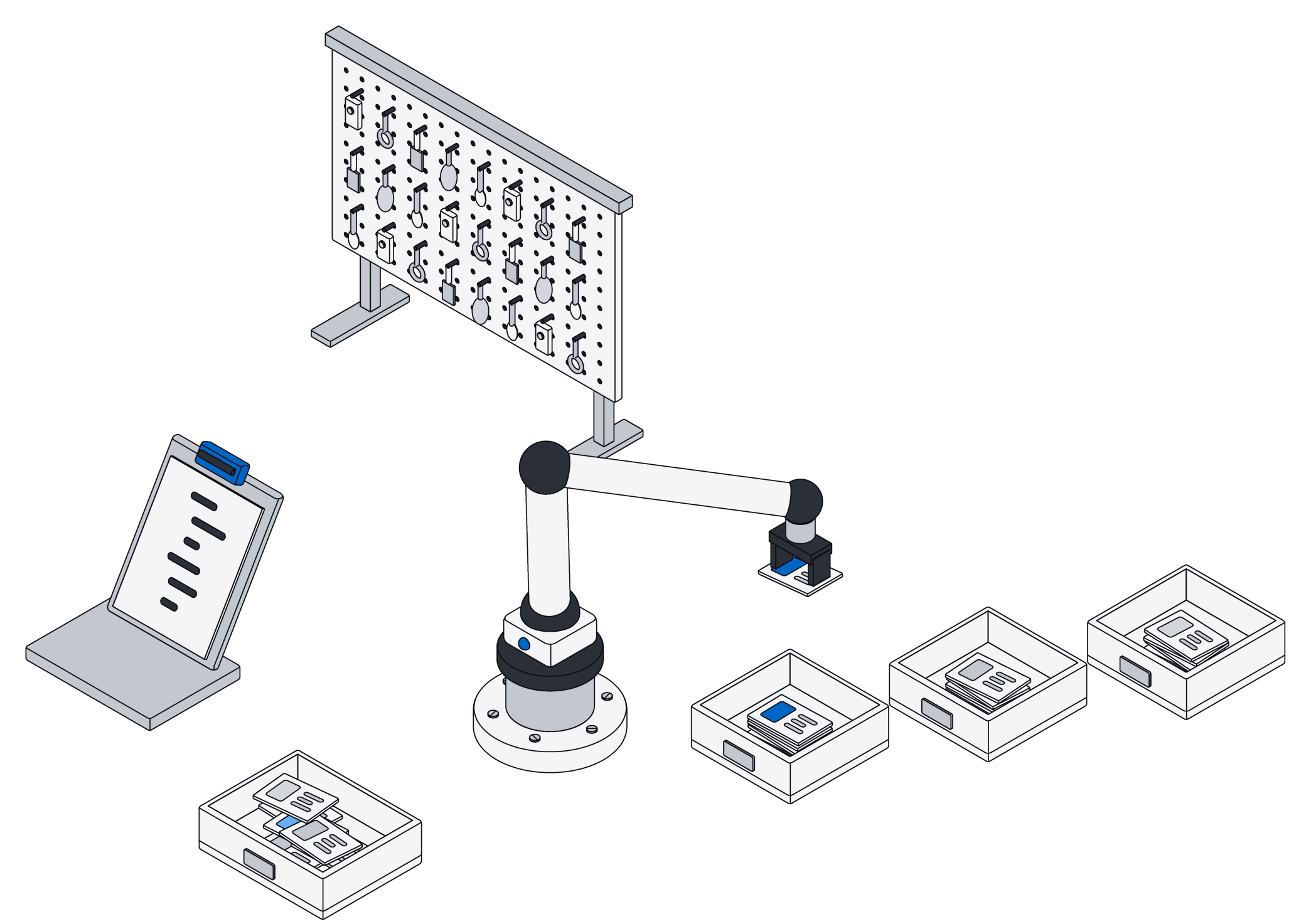
A workshop works the same way. You can hang a hundred specialty jigs on the wall, or you can hand a skilled machinist a written work order. The work order wins as soon as the job is something nobody built a jig for.
A hundred narrow buttons can only do what someone thought of in advance. One tool and a clear set of steps can do what you actually asked.
What the one tool does
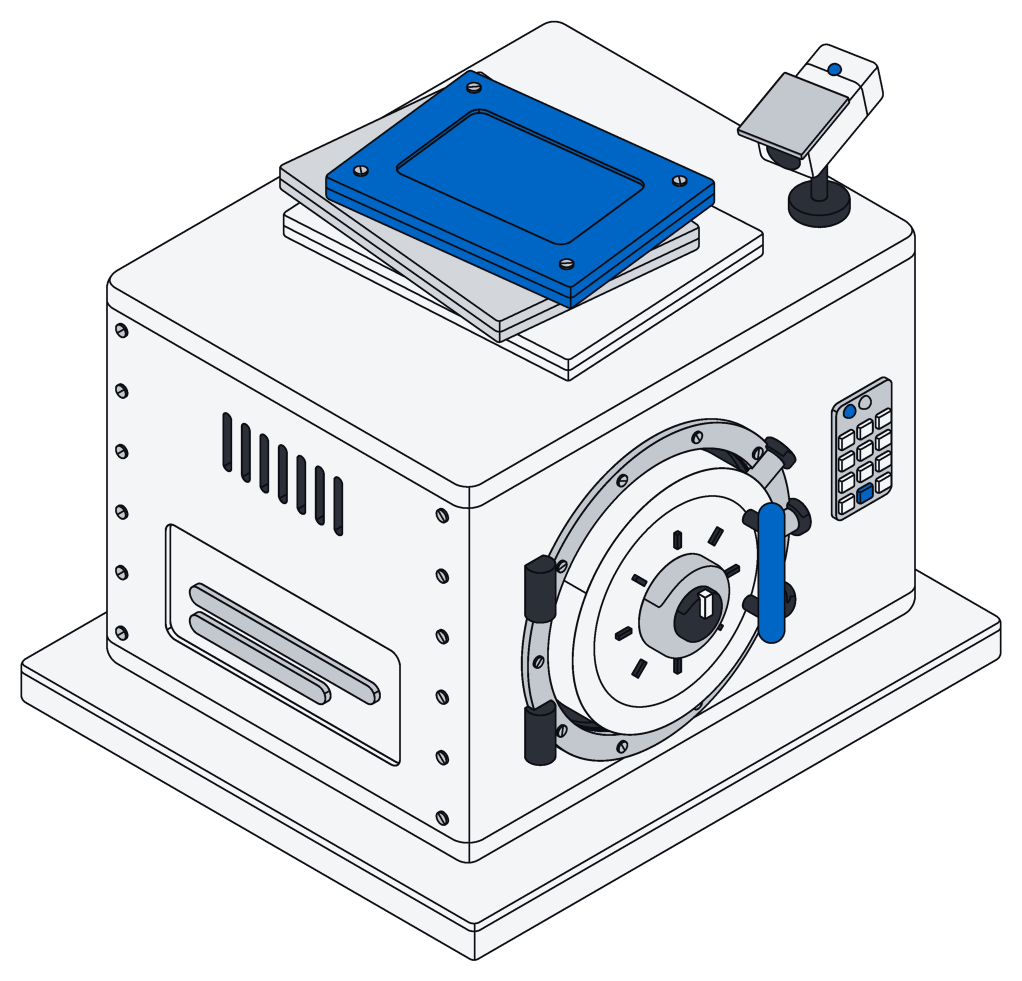
Archive's tool takes a short script, a few lines of written steps, and runs it right next to your information. Your assistant writes the script for the request in front of it. One script can look things up, go through them one by one, make decisions, and make changes, all in a single go.
Take a property manager who asks: "For every lease ending this quarter, check whether we sent a renewal letter, and if not, add a follow-up task for the right manager." With a wall of narrow tools, the assistant has to call one tool to list the leases, another for each lease to find its letters, another to find the manager, and another to create each task. That is dozens of back-and-forth steps, each one a chance to lose track or run out of room.
With one tool, the assistant writes the whole errand as a single short script: find the leases, check each for a letter, create the missing tasks, report what it did. It runs once. You get one clear answer back.
The same goes for a small agency tidying up its client list, or a finance team matching a month of payments against open invoices. Jobs that loop over many items are exactly where a pile of narrow buttons struggles and a short script shines.
All or nothing, so nothing is half done
A long chain of separate tool calls has an uncomfortable failure mode. If step thirty-one goes wrong, steps one through thirty have already happened. Half the tasks are created, half the records are updated, and someone has to work out by hand where it stopped.
In Archive, a script's changes are all-or-nothing. If anything in the script fails, none of its changes are kept. Your records look exactly as they did before, and the assistant can fix the problem and try again. Either the whole errand happens, or none of it does.
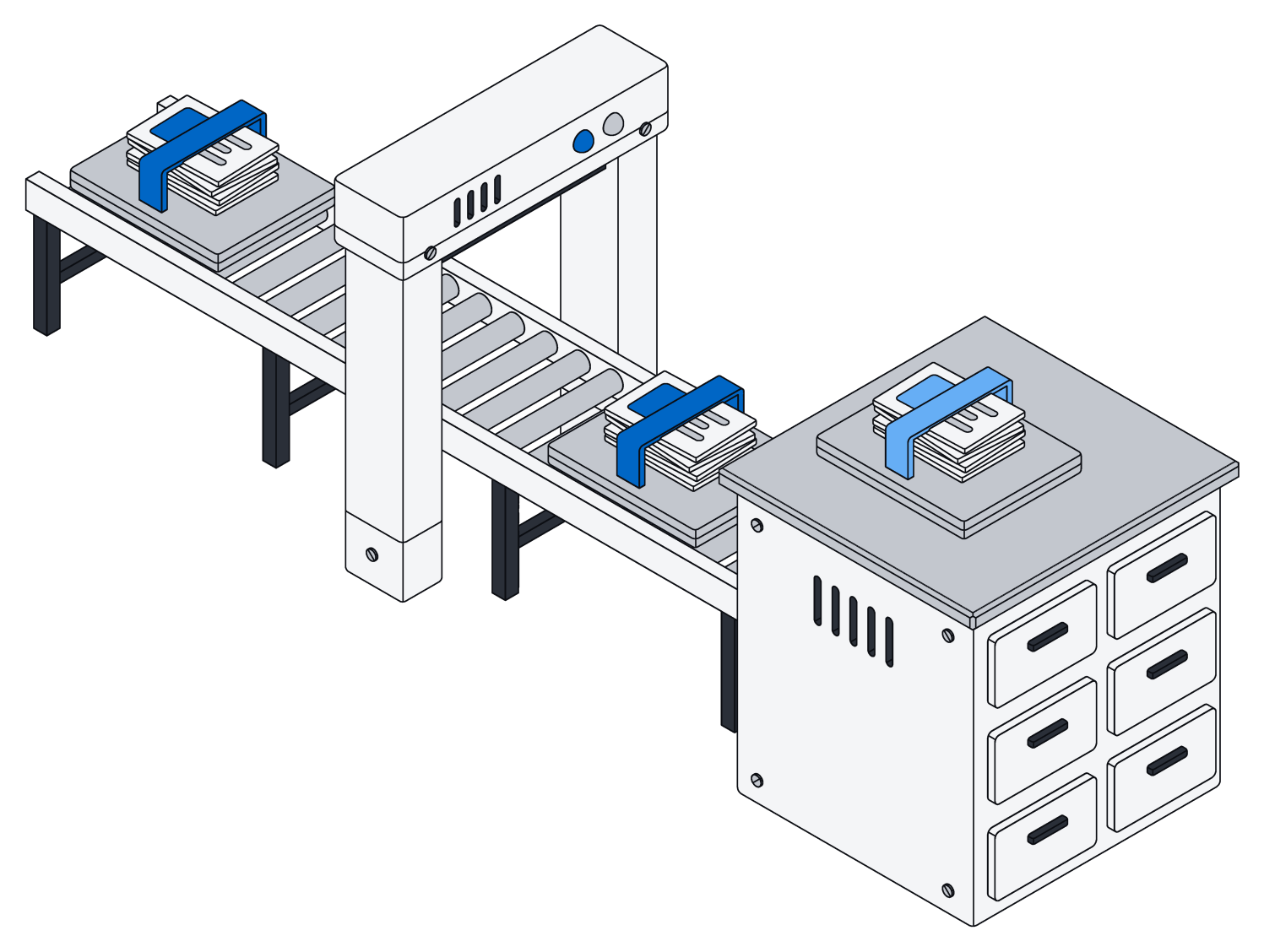
Back in the kitchen, it is the difference between a cook who either finishes the dish or clears the counter, and one who leaves you with half-chopped onions and a cold pan.
It always works with your real, current setup
Every business organizes its information a little differently. One company tracks "jobs," another tracks "projects" with "phases," a third has fields nobody else would think of. A fixed set of tools has to guess at that shape ahead of time, and goes stale the moment you add a field.
Archive describes your actual setup to the assistant at the start of every session: what kinds of records you keep, what each field means, which fields are required, and how records link to each other. The descriptions your team writes become the assistant's guide. Add a field on Monday, and by your next conversation the assistant knows about it. Nothing to update, no new tools to install.
Safe by design
Letting an assistant write and run its own steps sounds bold, so it helps to know what the script can and can't do:
- It works as you. A script sees only what the person behind it is allowed to see, and can only change what they are allowed to change.
- It stays inside Archive. A script can work with your records, pages and files, and nothing else. It can't browse the internet or reach other systems.
- It has limits. Every run has a time limit and a cap on how much it can return, so a mistake can't run away with itself.
- It is all-or-nothing. If something goes wrong partway, nothing changes.
Fewer buttons, better answers
A hundred tools look impressive on a feature list. But your assistant has to read about every one of them before it can do anything, pick the right ones, and chain them together without dropping a step. One tool that takes clear, written steps is simpler for the assistant to learn, faster for you, and far more capable when the request is something nobody planned for.
It is the same lesson every good kitchen teaches: give a capable cook a sharp knife and a clear recipe, and you can clear out the gadget drawer. To see what your assistant can reach once it is connected, read give your AI your company's memory.