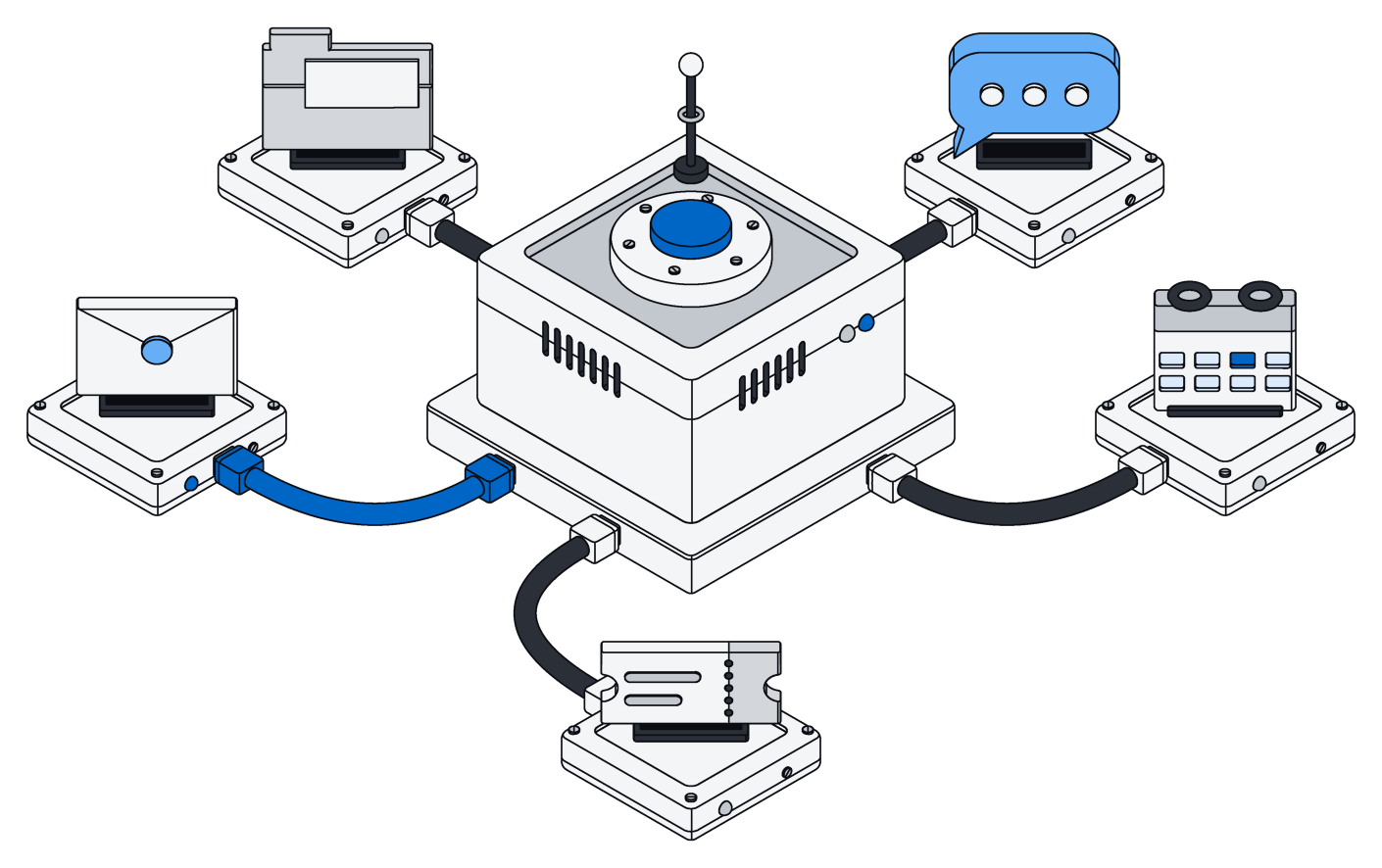
Files your AI can edit for you.
Upload anything and it is ready to search and preview right away. Your AI assistant edits Word, Excel and PowerPoint files and leaves everything else exactly as it was.
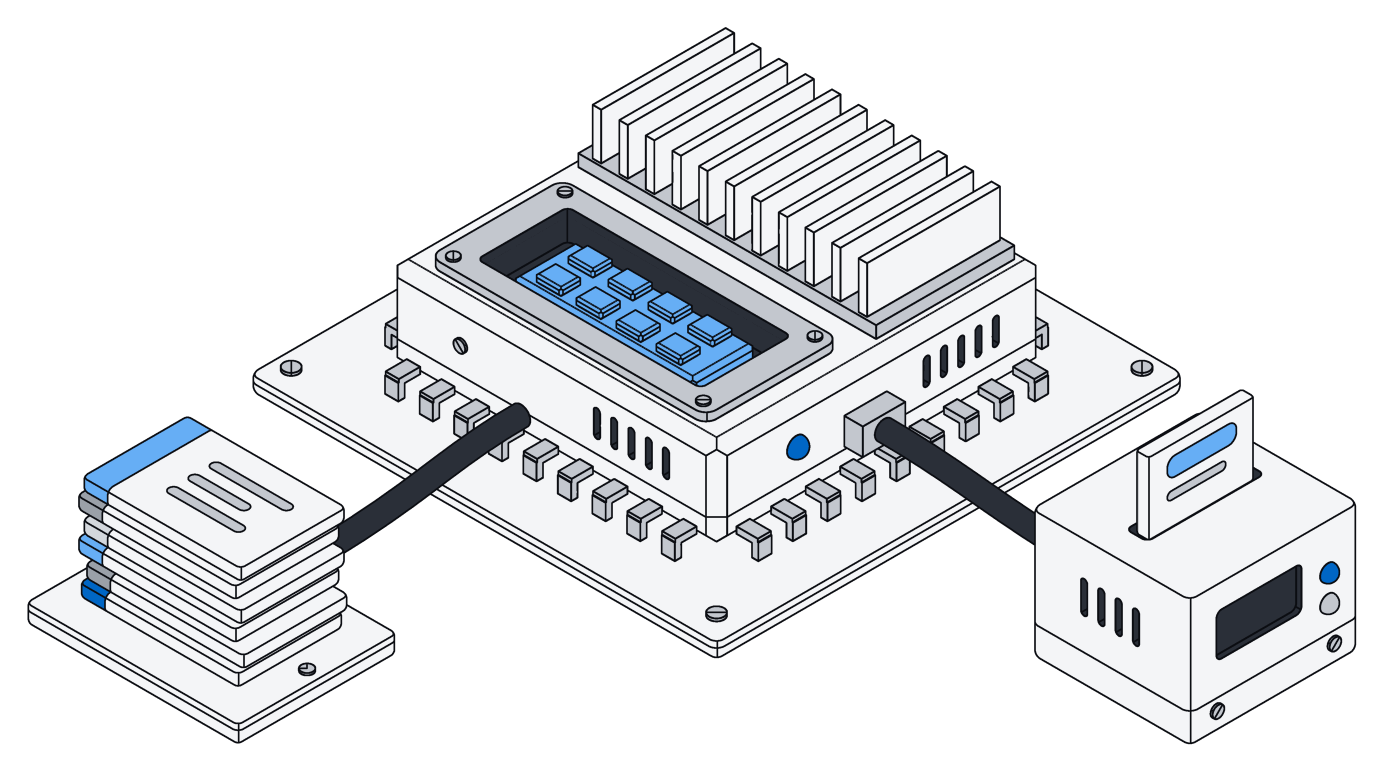
Ready the moment it lands.
Drop in a small file or a huge one, and big uploads pick up where they left off if the connection drops.
Its details, its text and a preview of every photo are ready as soon as the upload finishes, with no waiting.
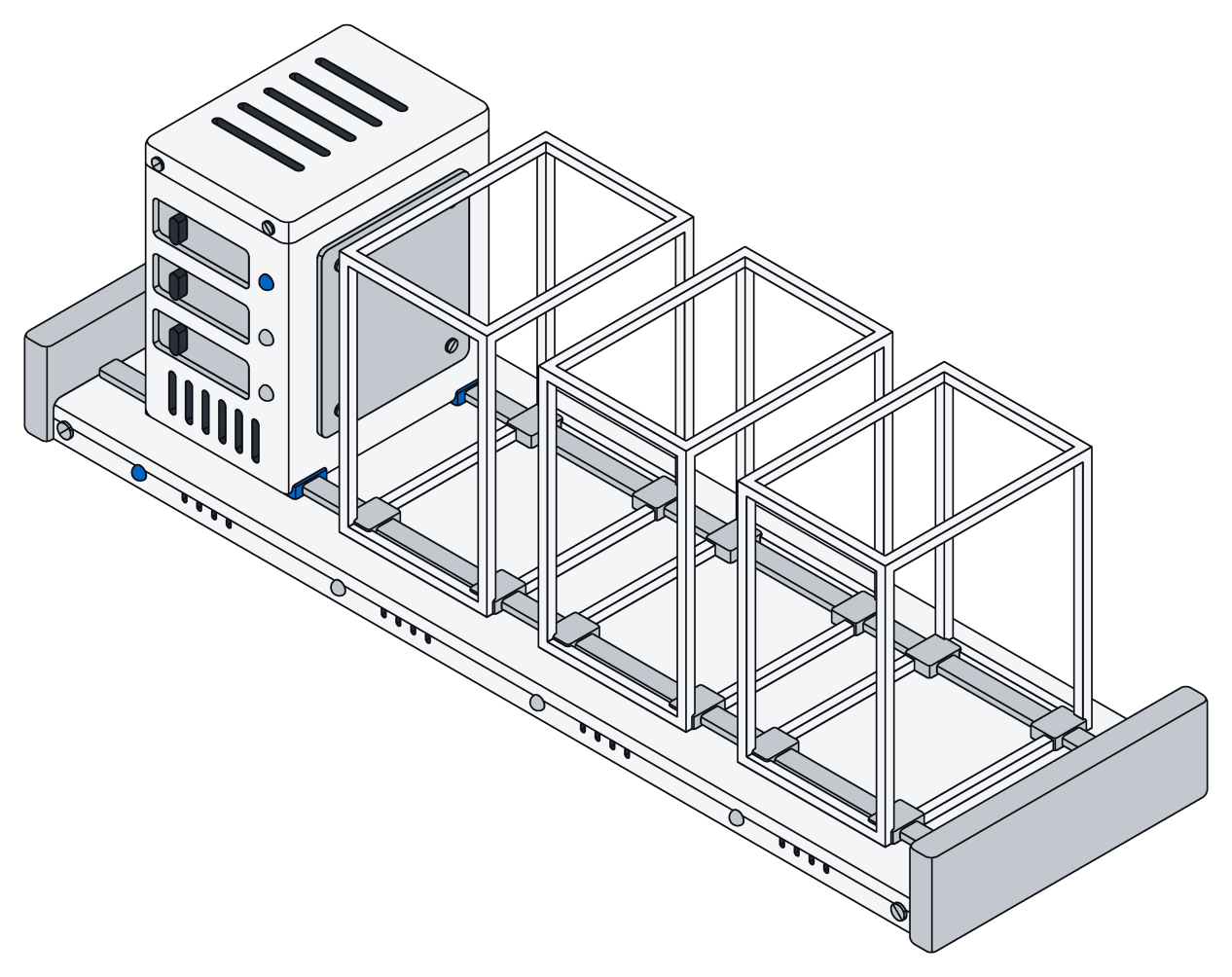
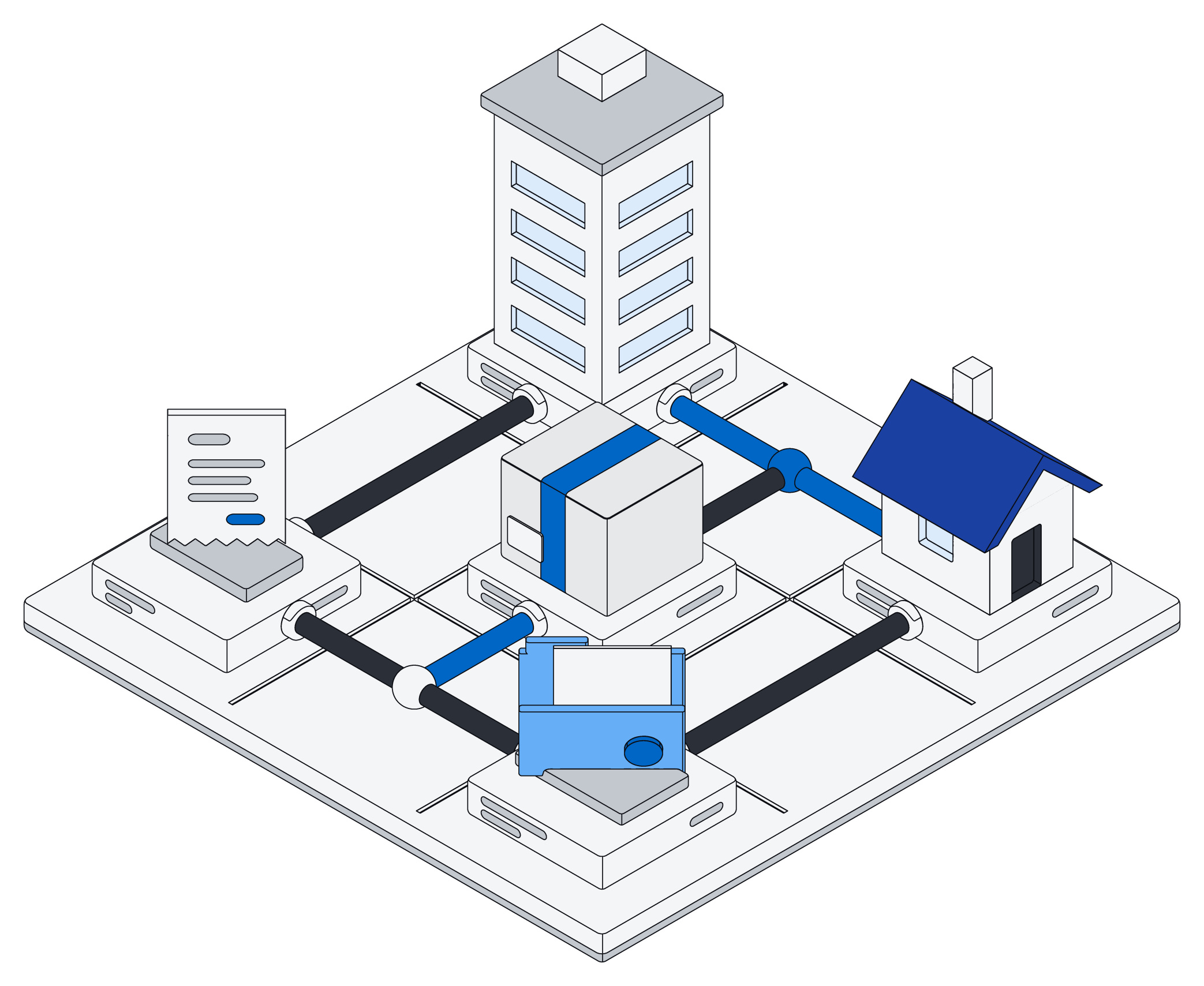
Kept once, seen by the right people.
Upload the same file twice and Archive keeps just one copy, along with its name, size and text.
Every file belongs to a space, so only the right people see it, wherever they look.
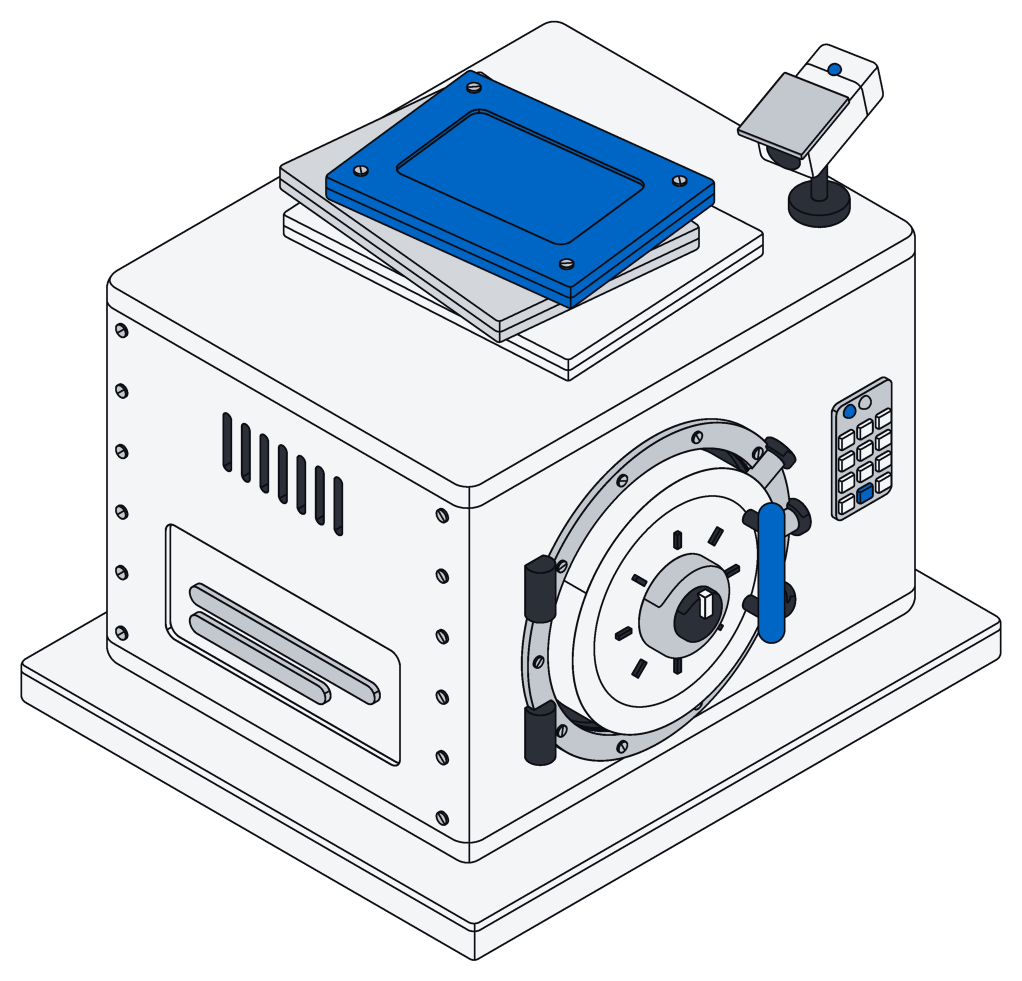
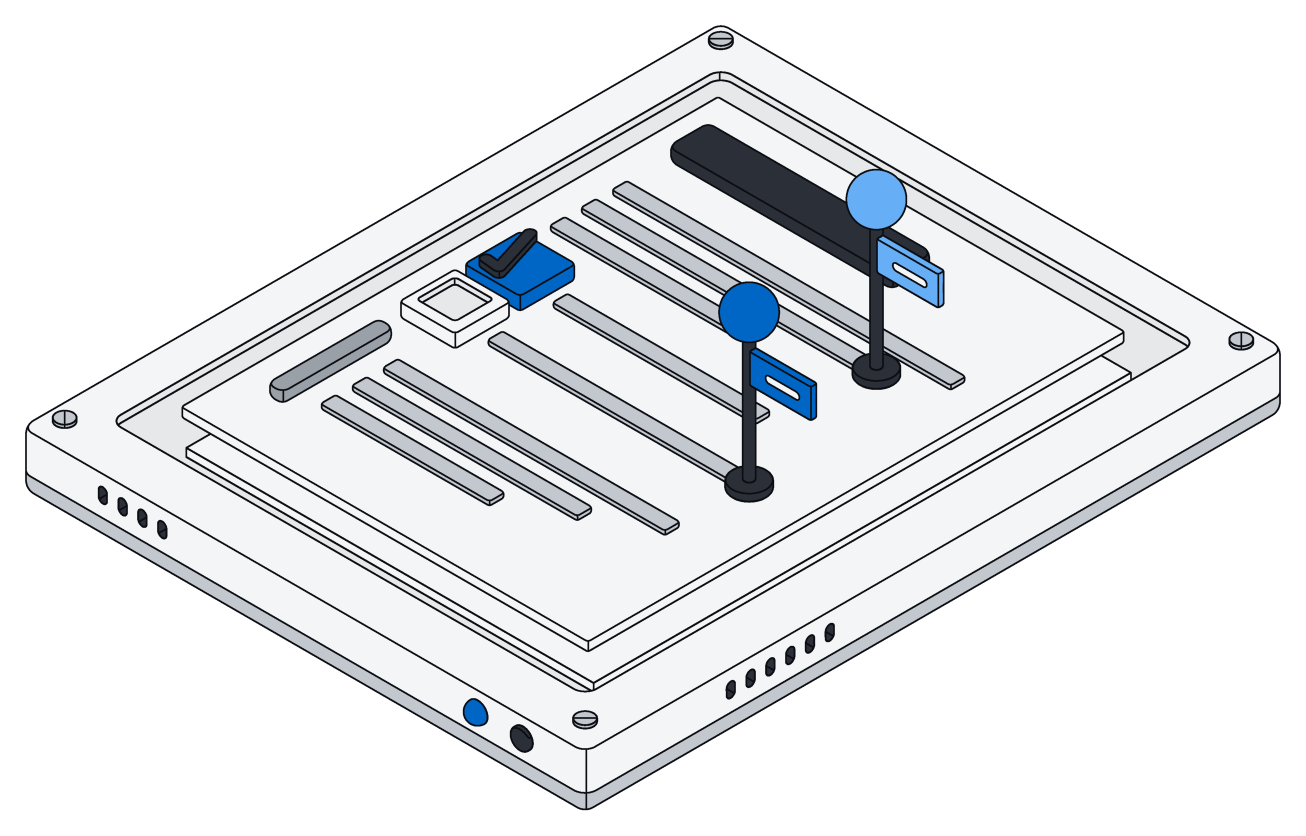
Office files, edited in place.
When your AI assistant changes a Word, Excel or PowerPoint file, it touches only the part it was asked to.
Styles, images, comments and charts all survive, because nothing else is rebuilt.
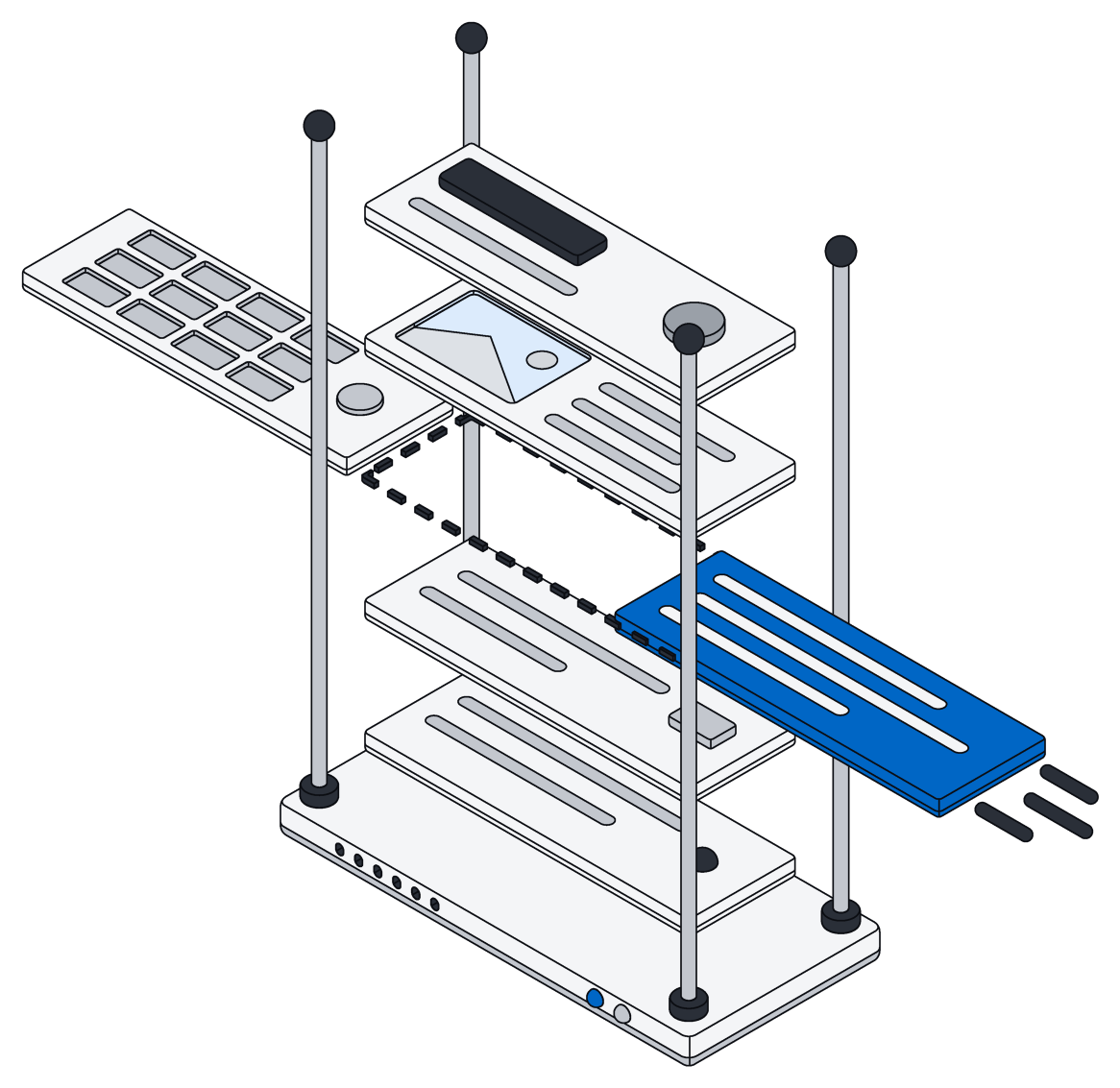
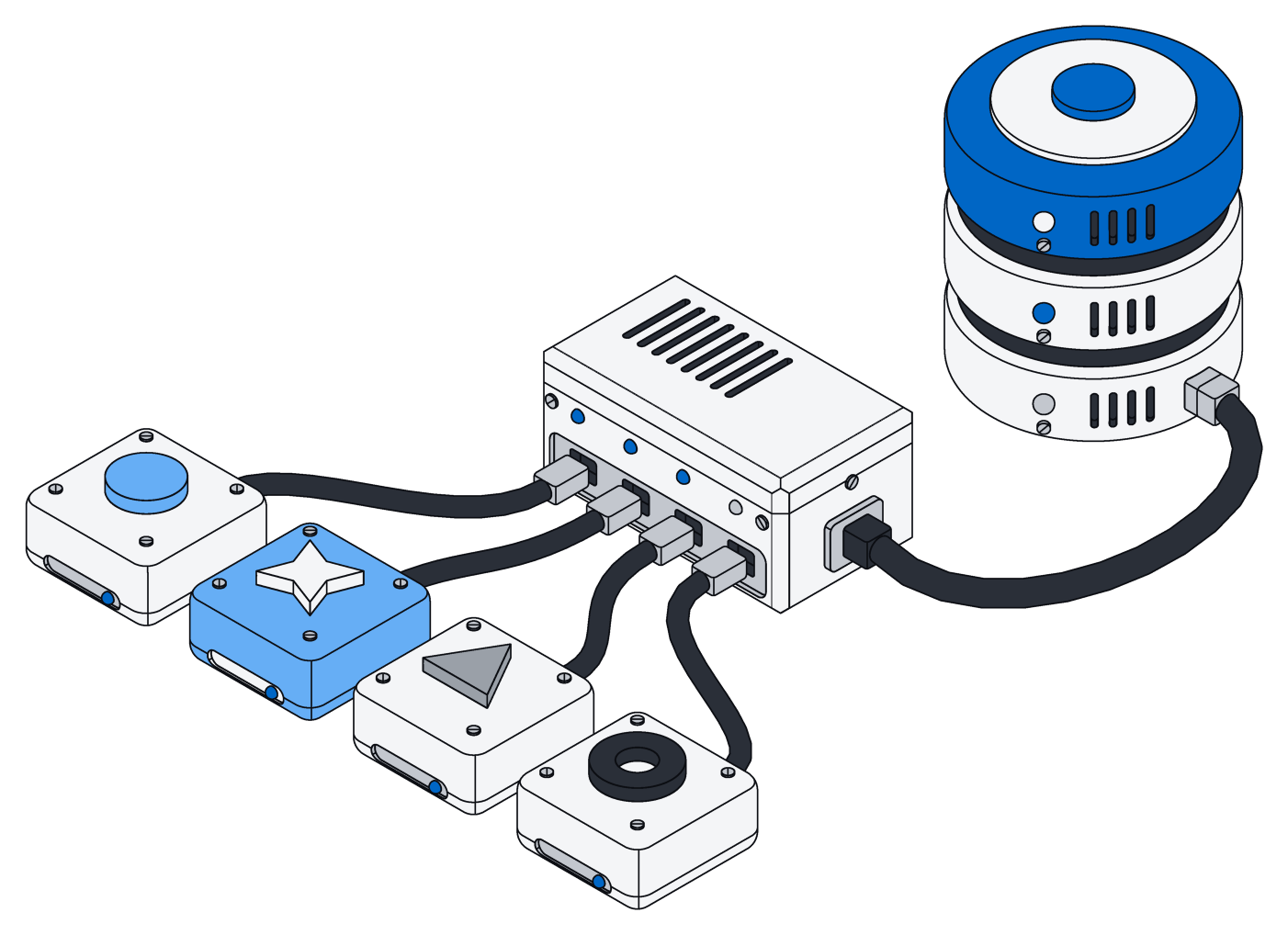
Assistants take turns.
When two assistants edit the same workbook, they line up and each change goes in after the last, so nothing gets lost.
Your assistant can also start a fresh workbook, document or slide deck from scratch.
What your AI can change.
What an assistant can read, and what it can change, in each kind of file.
| File | It can read | It can change |
|---|---|---|
| Word | Paragraphs, styles and lists, including those in tables and text boxes, and the text in every table cell | Replace text, add or remove paragraphs, fill in table cells |
| Excel | Sheets, cells, formulas, merged cells and Excel tables | Set values and formulas, clear cells, add a line to a table |
| PowerPoint | Slides and the text on them | Replace text anywhere on a slide |
| Pages | Blocks, each with a style and its text | Replace text, add or remove blocks, change a block's style |
Sharing, photos and search.
Share links
- Private links for downloads and previews that expire on their own
- A day by default, or any time you choose
- No sign-in needed to open one
Photos
- Size, camera and time taken, saved automatically
- Previews made on upload
- Location removed on download when you ask
Search
- File names and the text inside, next to your records
- Results show the matching words
- Filter by kind of file, space and date
Questions.
More in the files docs.
Will my formatting survive an edit?
Yes. New text picks up the formatting of the text it replaces, and the rest of the file stays exactly as it was.
Do formulas recalculate?
Yes. Every formula is worked out fresh the moment the workbook is opened.
What can my AI not change yet?
Adding or removing lines in a sheet, whole slides or shapes, and formatting such as bold or number styles. It can always see exactly what it is able to edit.
How large can a file be?
Up to 64 MB in a single upload. Bigger files go up in pieces and resume if the connection drops.
What happens when two assistants edit the same file?
They take turns, and each edit goes on top of the latest version, so nothing gets lost.
Bring your files. Keep every detail.
Free for your first workspace. No card, no sales call.