Build on your data from anywhere.
Shape your data by talking to your AI agent, let it run code right next to your data, and connect the tools you already use. Archive is open source, so you can run it yourself and make it your own.
Talk, run, connect. Own it.
Most of the work happens in a conversation with your agent. The rest is yours to change.
Shape your data with an agent.
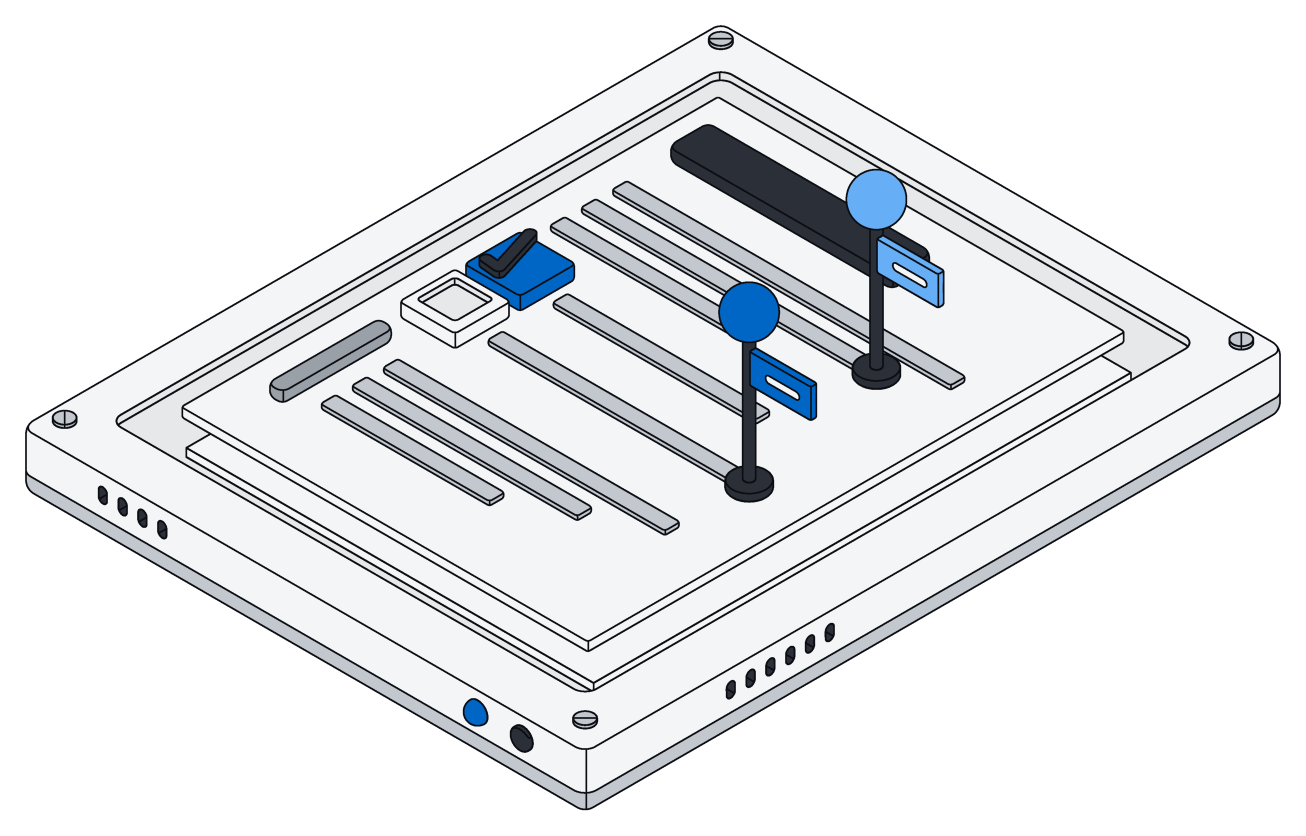
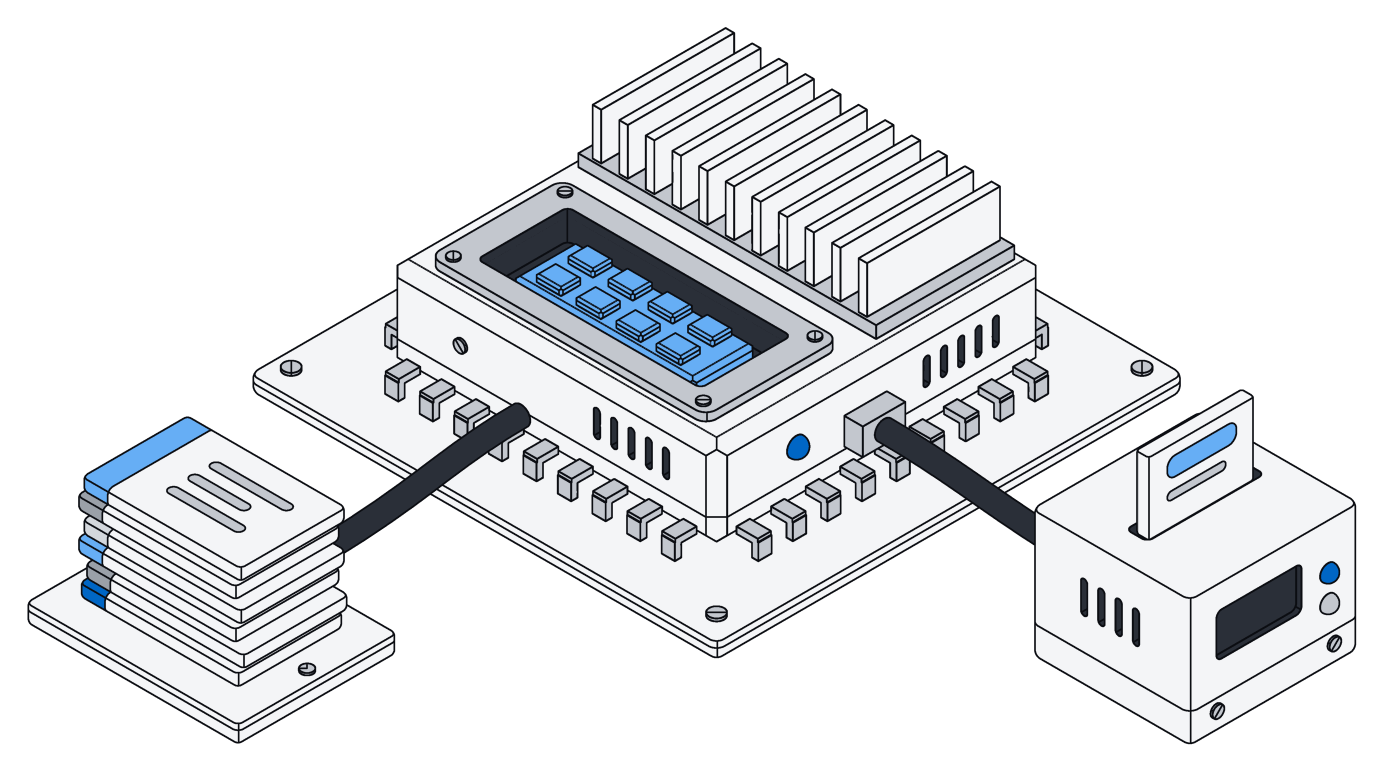
Tell your agent what you keep track of, like clients, invoices and projects, and how they link. It proposes the kinds of records, their fields and the connections between them.
You see exactly what will change before anything is applied. Rename or reshape anytime: a renamed field keeps everything in it, and nothing is deleted unless you say so.
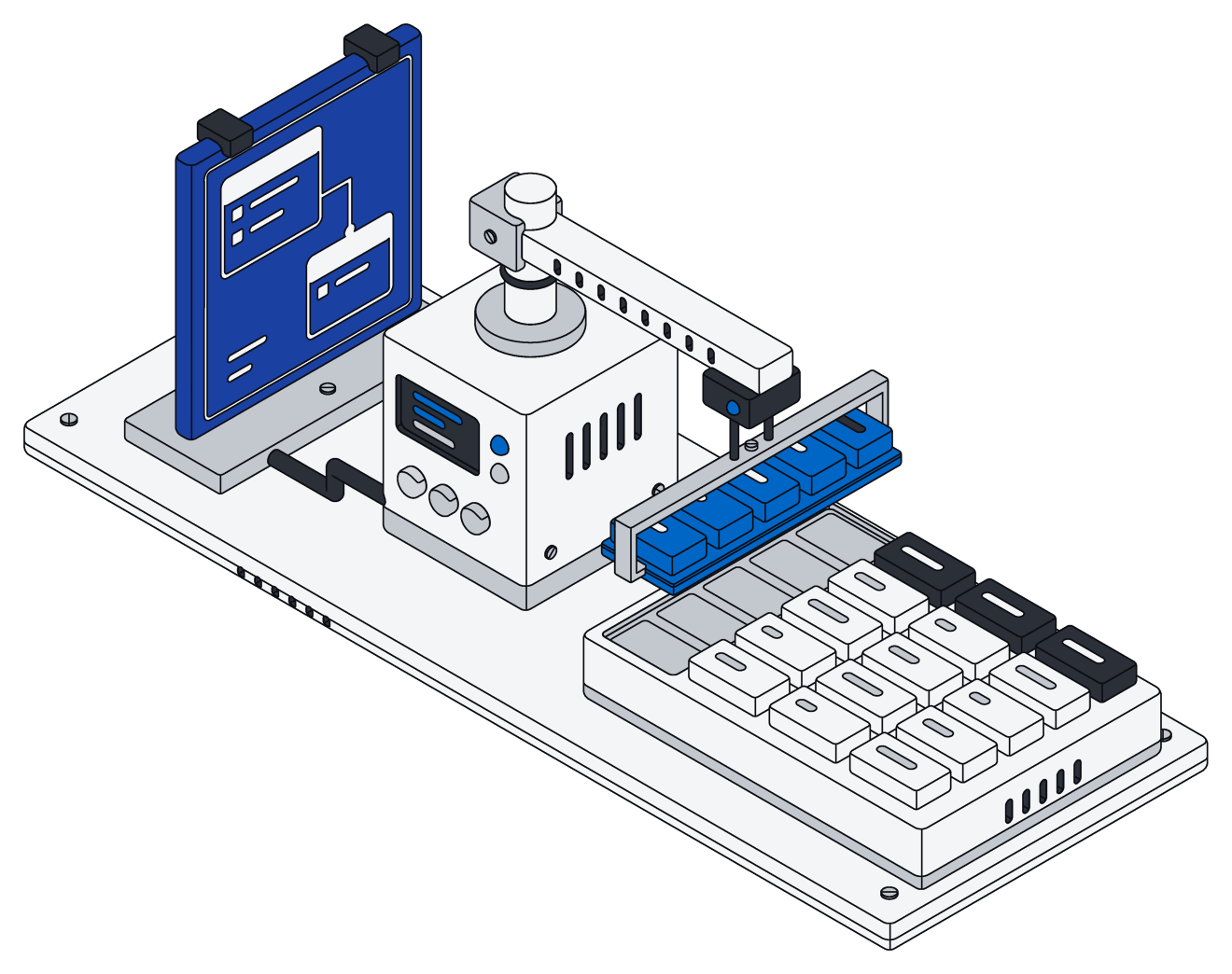
Your agent writes code. Archive runs it.
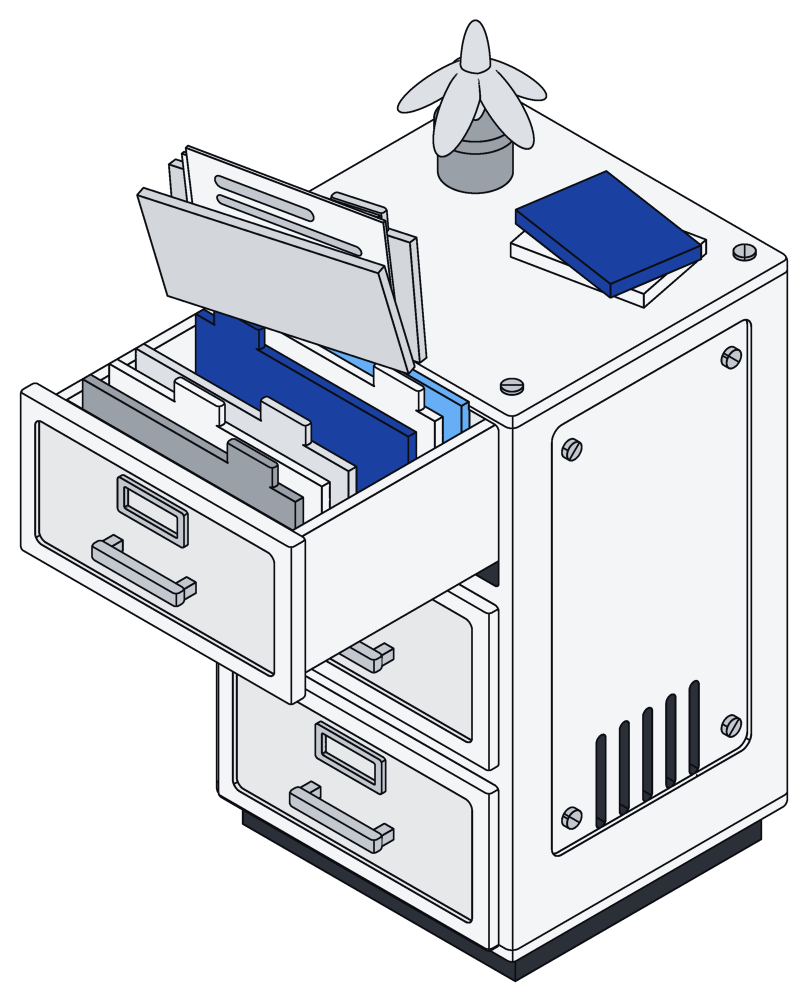
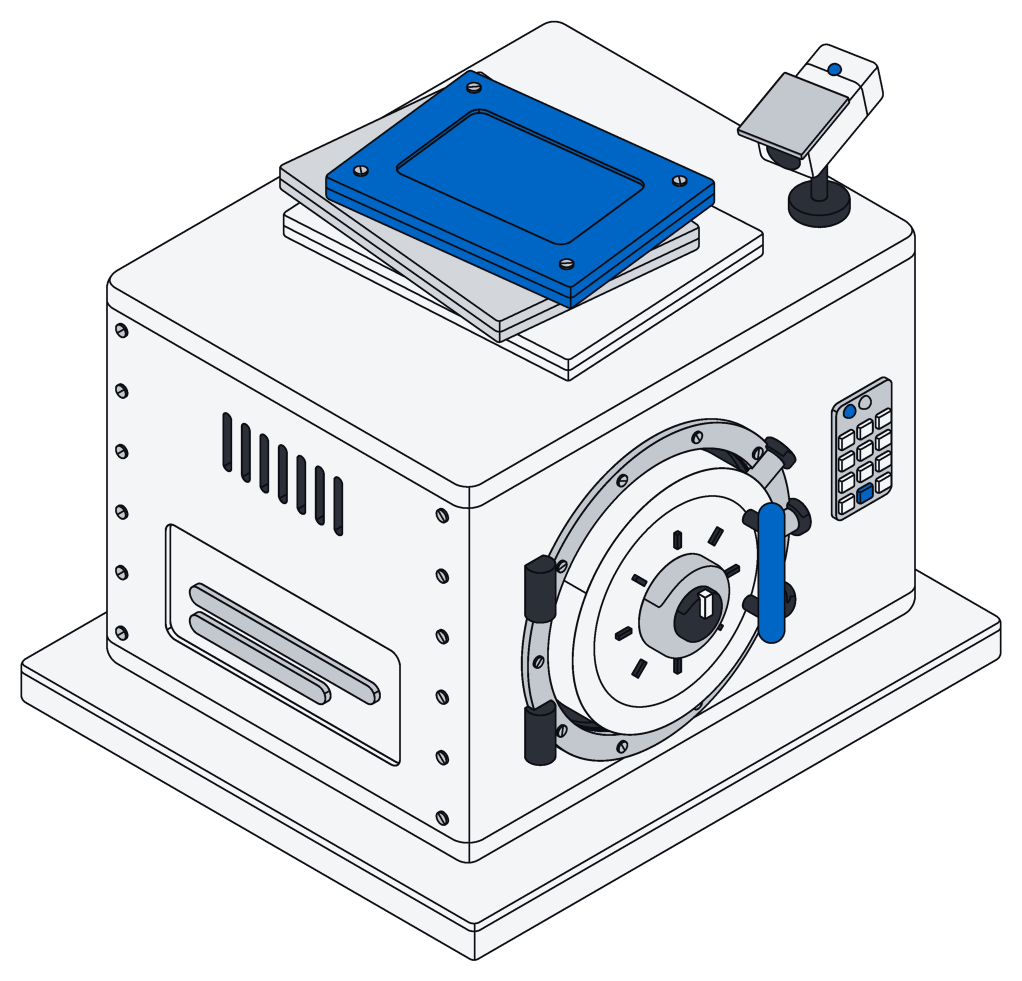
Your agent writes one short script, and Archive runs it right next to your data, as you, with your permissions.
Sorting hundreds of files or updating a whole list happens in one go, not a hundred back-and-forths. If anything fails, nothing is saved, so no job is left half done.
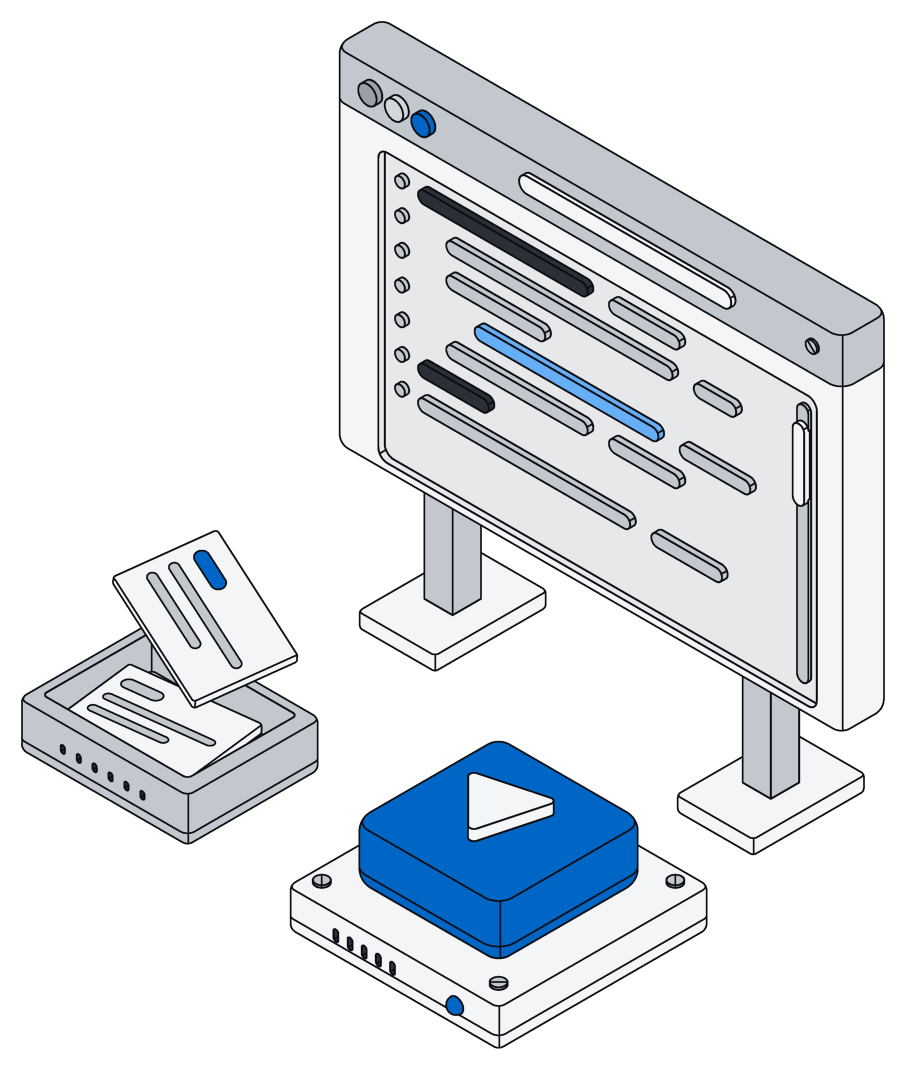
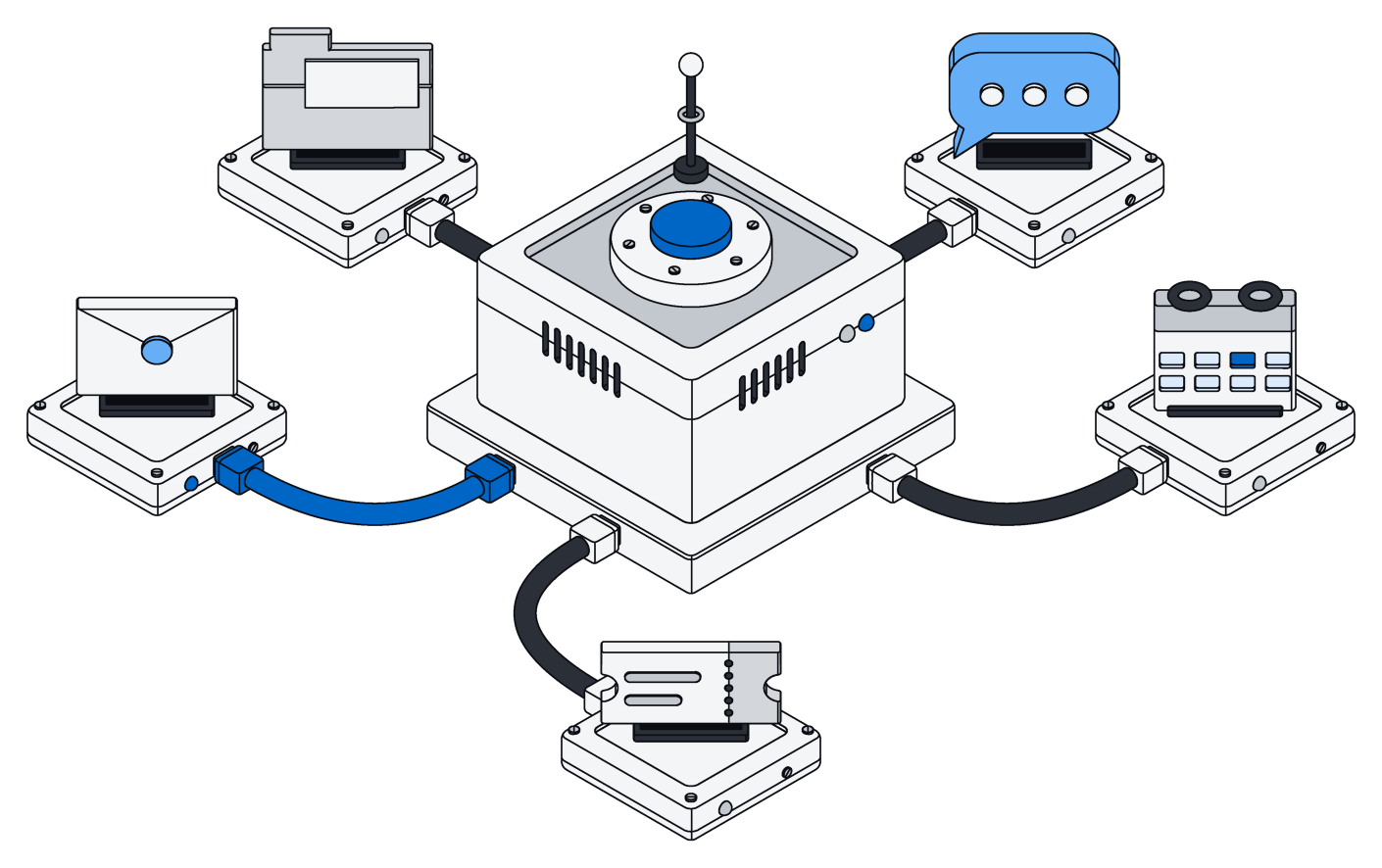
Connect it to everything else.
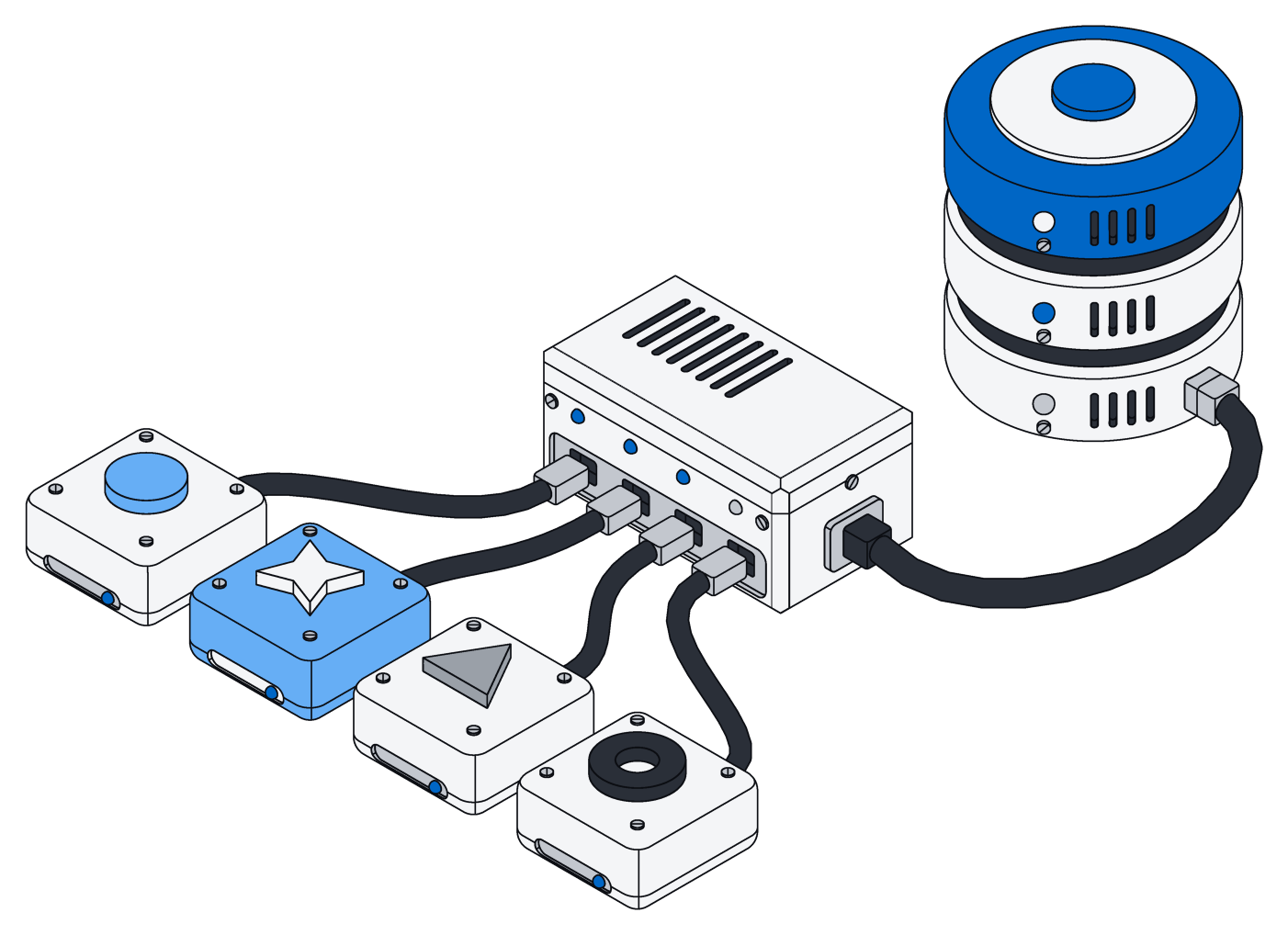
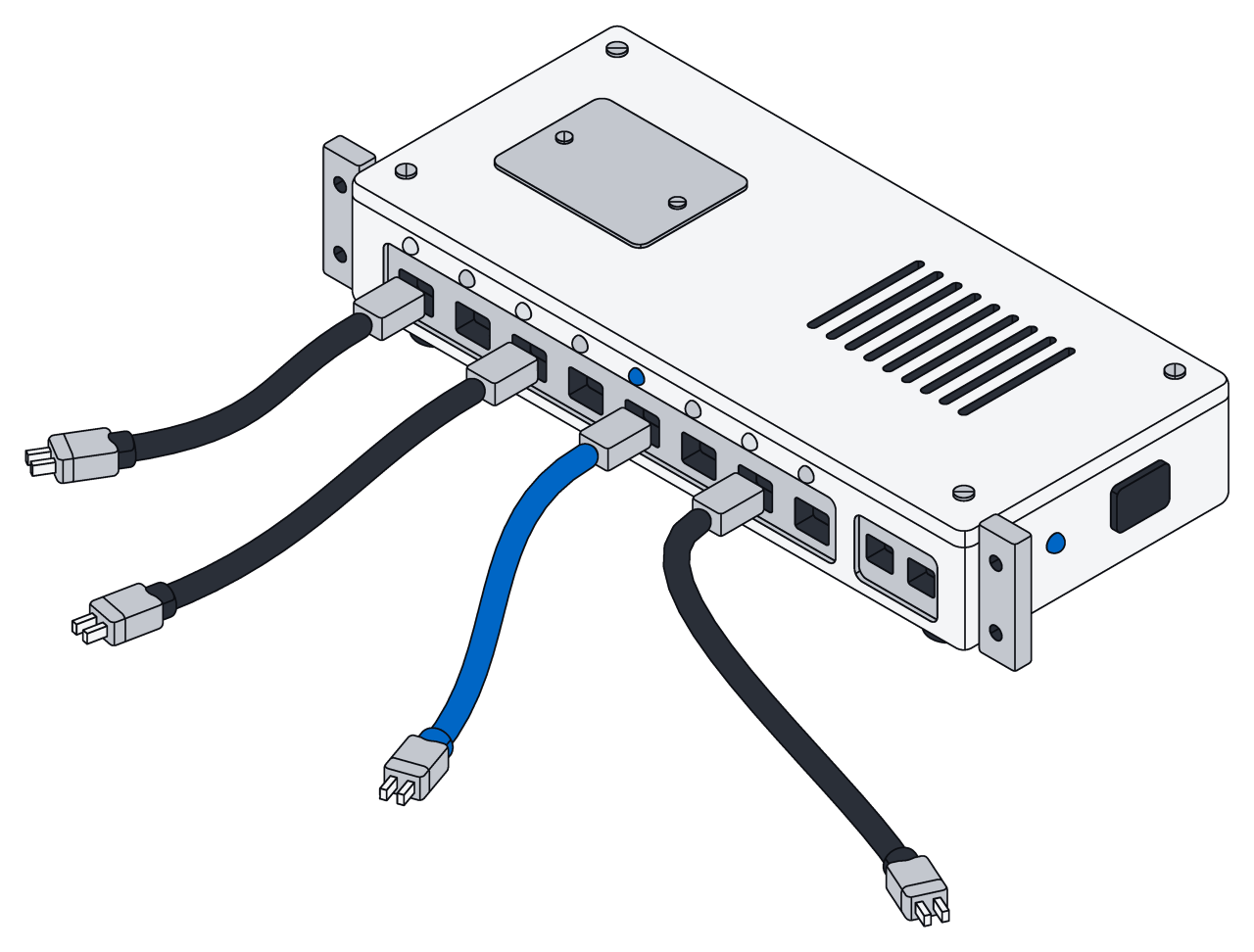
Bring in mail, calendars, files, chat and business tools like Gmail, Slack, Google Drive, HubSpot and Stripe. Connectors only read, and keep up as things change.
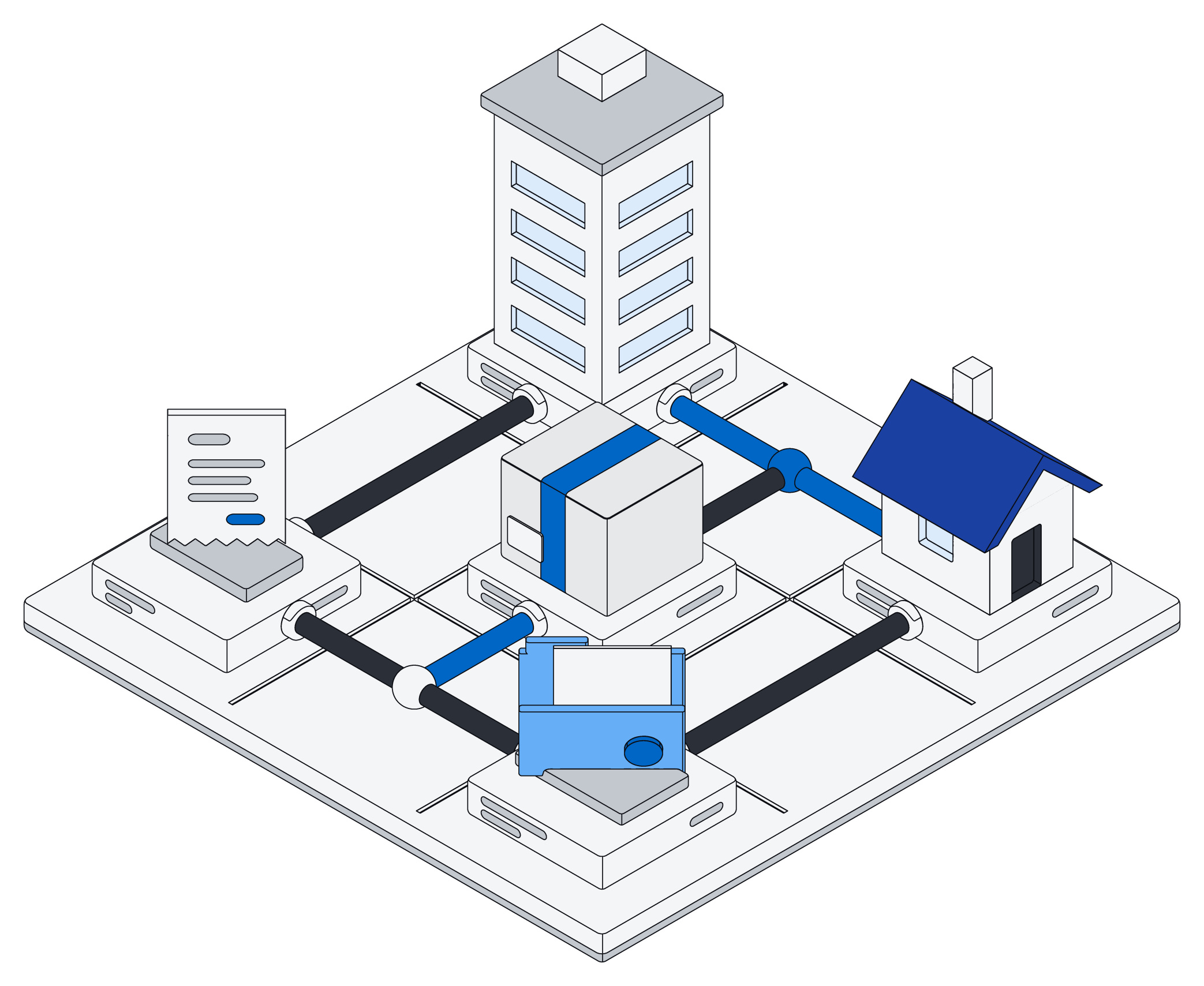
Reach Archive from your own apps, scripts and services through the API and the command line, with the same permissions everywhere.
Open source. Make it yours.
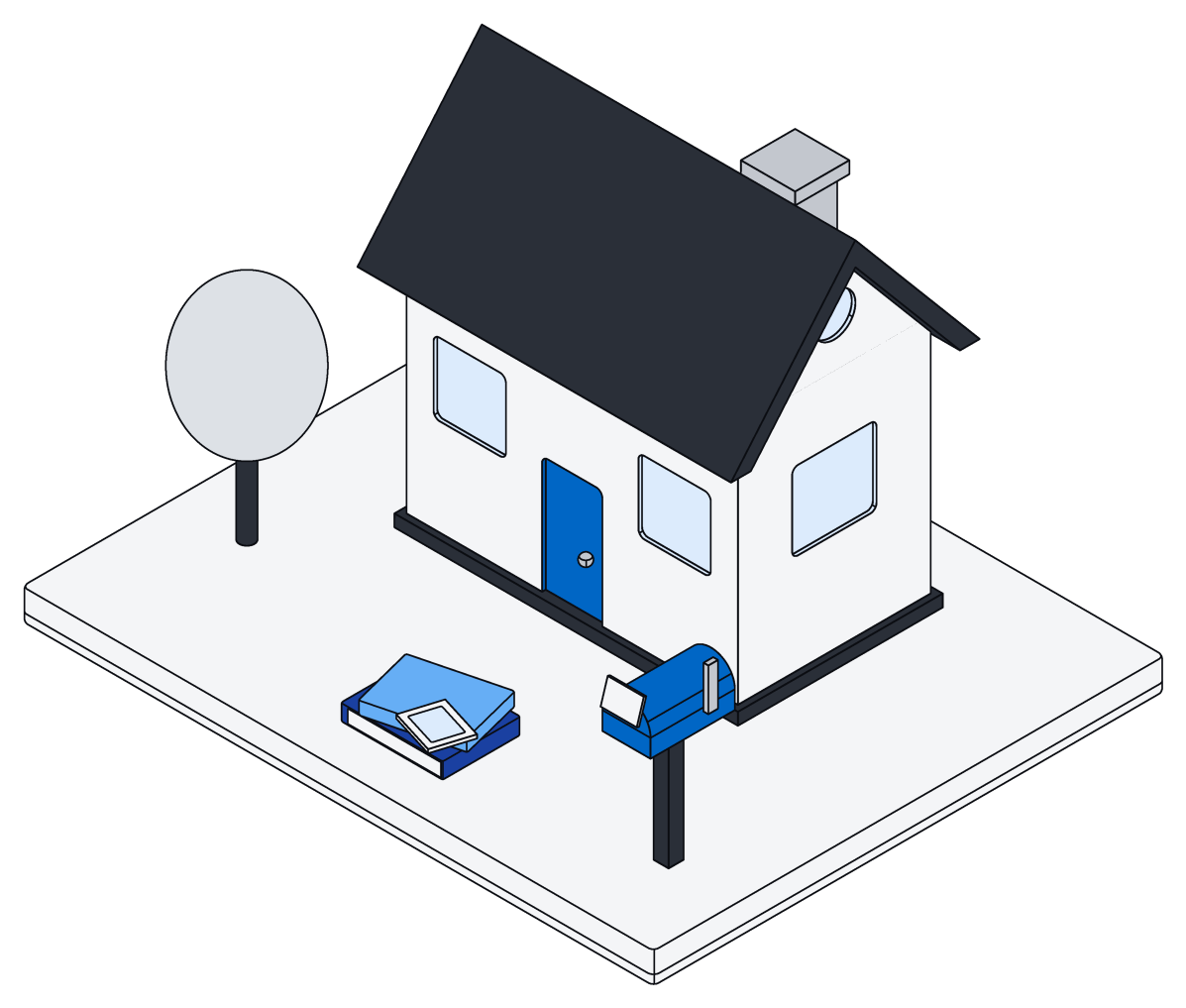
Run Archive on your own computer, your own servers or your own cloud account, and keep your data where you want it.
Change it or fork it anytime. Ask Claude Code to add what you need and adapt it into your own version.
Run it where you like.
One program on top of Postgres. Pick the setup that fits, and move between them as you grow.
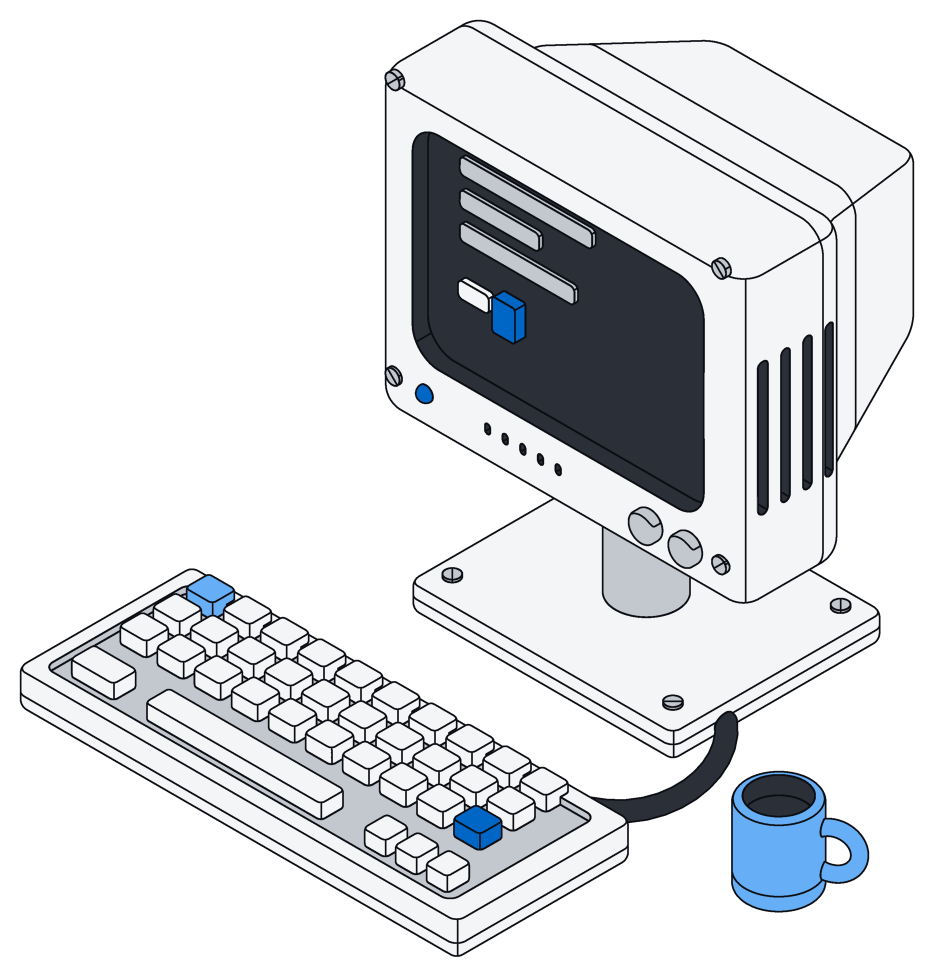
On your computer
- One command starts it with Docker
- Run it again to update; your data stays
- It backs itself up before each new version
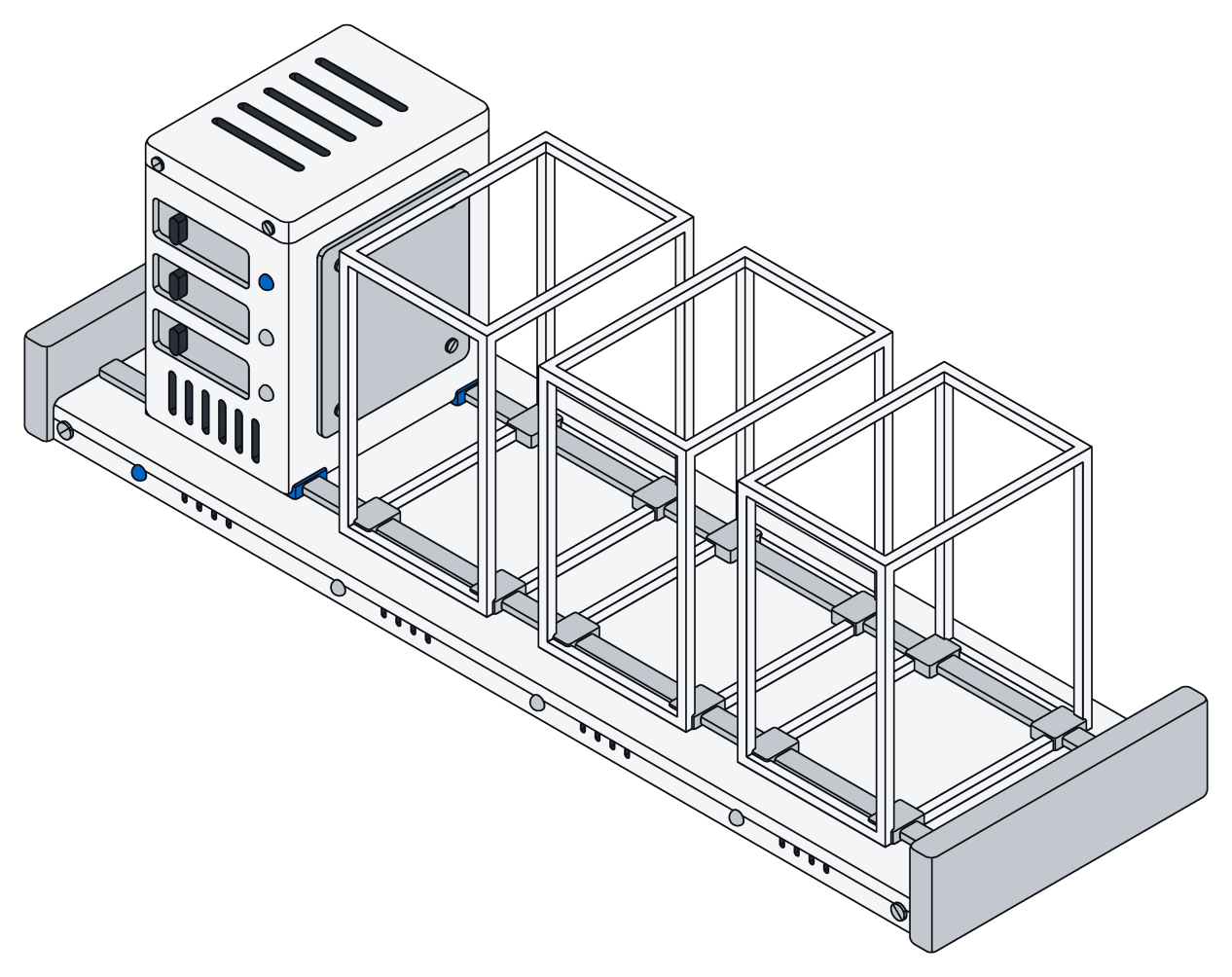
On your servers
- A Kubernetes chart comes with it
- Use your own Postgres and file storage
- Run as many copies side by side as you like
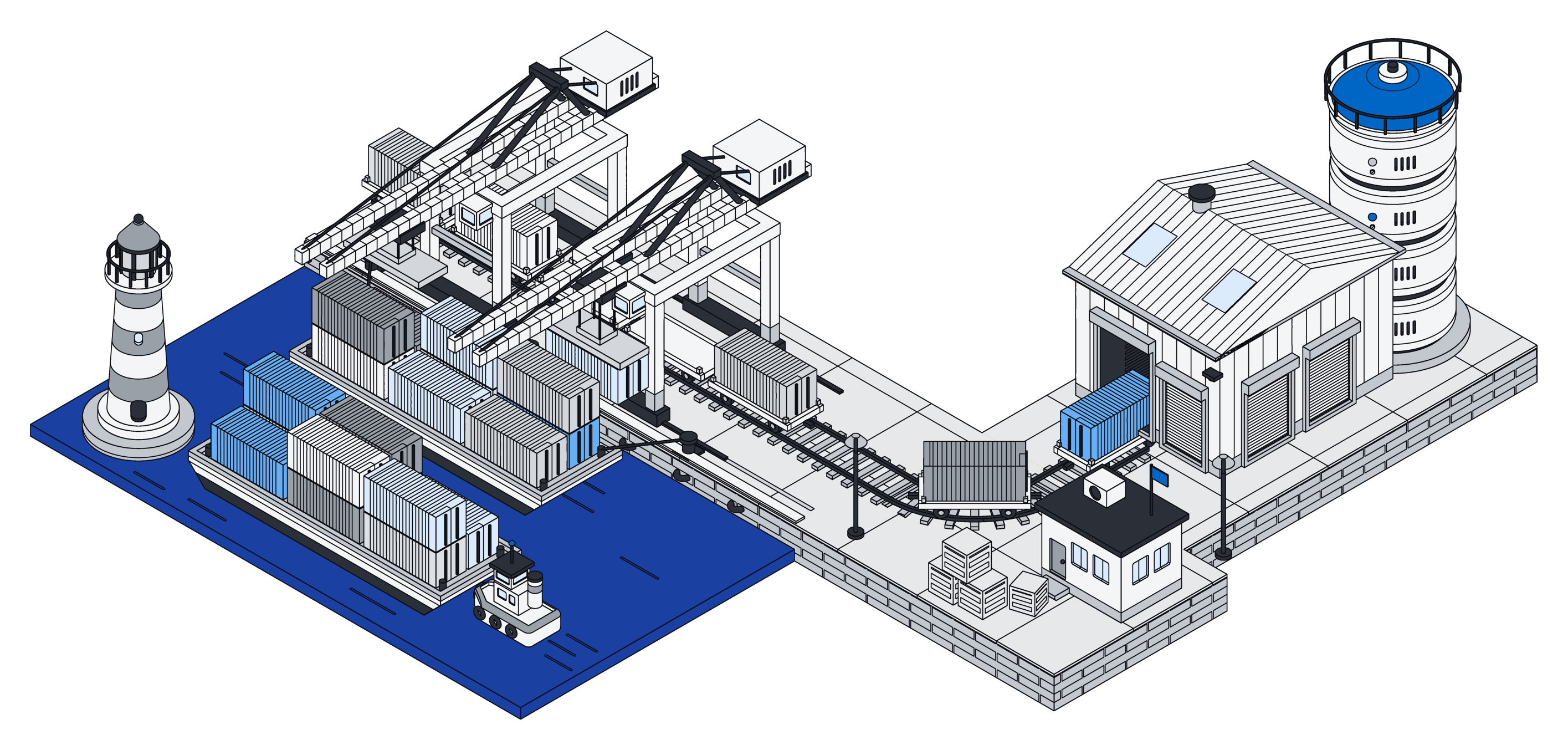
In your cloud
- Ready-made setups for AWS, Google Cloud and Azure
- Your account, your database, your storage
- Or let us run it for you
Every way in.
The same data and the same permissions, whichever you pick.
| Way in | Good for |
|---|---|
| Your AI agent | Claude, ChatGPT, Gemini, Cursor and others connect over MCP and run scripts for you |
| The API | Records, files and search from your own apps and services |
| The command line | Scripts, scheduled jobs and quick changes from your terminal |
| Terraform | Your structure, spaces and access keys kept with the rest of your setup |
| Connectors | Mail, calendars, files, chat and business tools, kept up to date |
Developer questions.
The full reference is in the docs.
Do I need to write code to change my structure?
No. Tell your agent what you want. It shows you the plan, and applies it only after you say yes.
What can a script do?
It works with your records, files and documents, as you, and sees only what you can. It cannot reach the internet, and it has 30 seconds by default. If it fails or runs out of time, nothing is saved.
Can I keep my structure in git?
Yes. Pull it as one file per kind of record, edit, preview and apply. Applying what you just pulled changes nothing, so the files stay stable.
What do I need to run it myself?
Docker is enough to start. For production, add your own Postgres and file storage and put it behind HTTPS. The prompt at the top of this page walks Claude Code through it.
Does Archive call an AI model?
No. Archive never calls a model on its own. Your agent does the thinking and sends Archive code to run, so you keep using the AI you already have.
Can I change Archive itself?
Yes. The code is on GitHub. Fork it, change it by hand or with Claude Code, and run your own version.
Build on your own data.
Free for your first workspace, or run your own copy from GitHub.