Ask a modern AI assistant to explain a tax rule, draft a polite reminder or summarize a long article, and it does a remarkable job. Ask it which of your clients is behind on payment, what you promised a tenant last spring, or who signed off on the new supplier, and it has nothing to say. It was trained on the public internet. Your business was never part of that.
Most teams work around this by copying and pasting. Someone finds the contract, pastes the relevant paragraph into a chat, asks the question, and then does it all again tomorrow. It works, but it is slow, it depends on the person knowing where to look, and the assistant forgets everything the moment the chat ends.
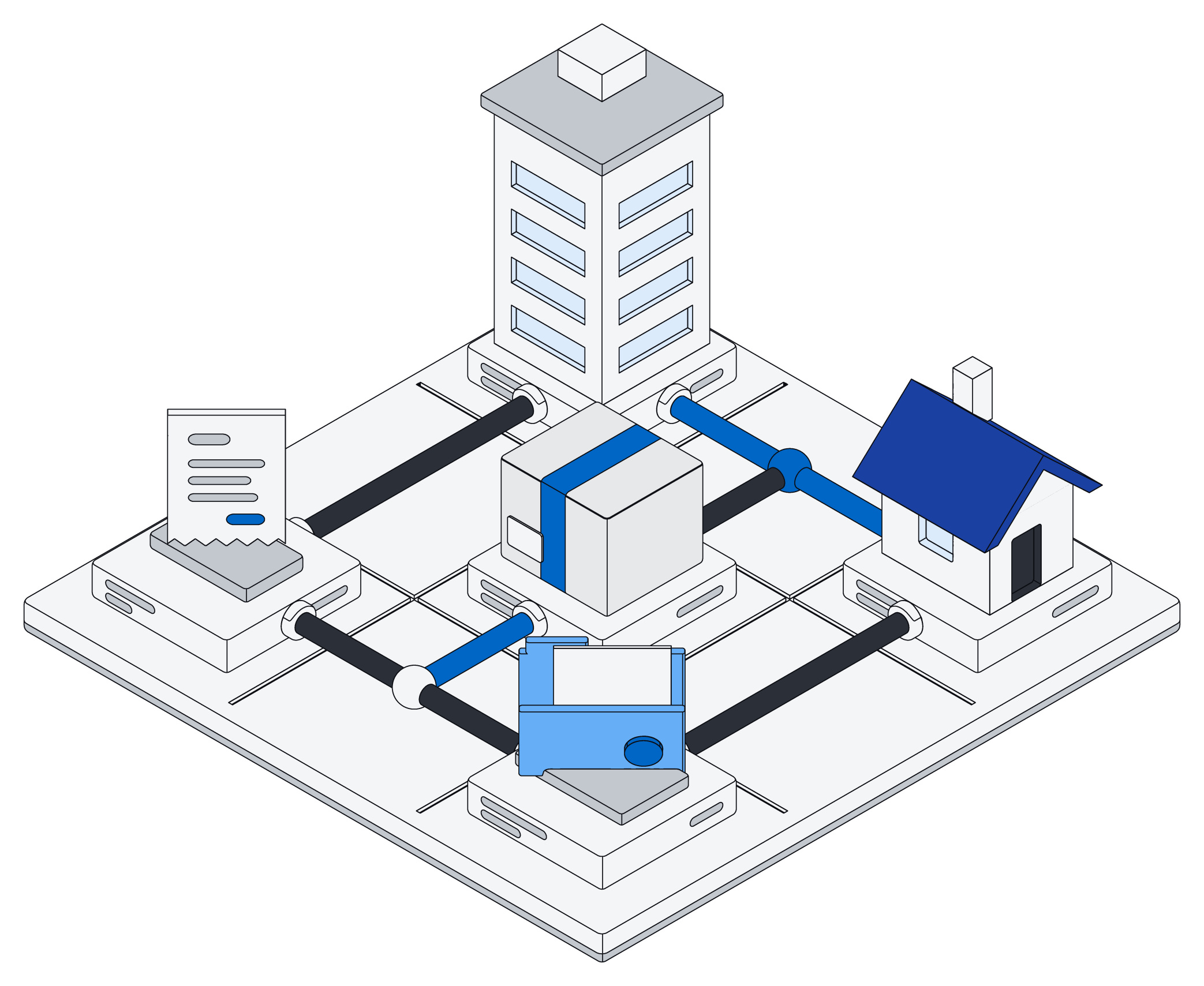
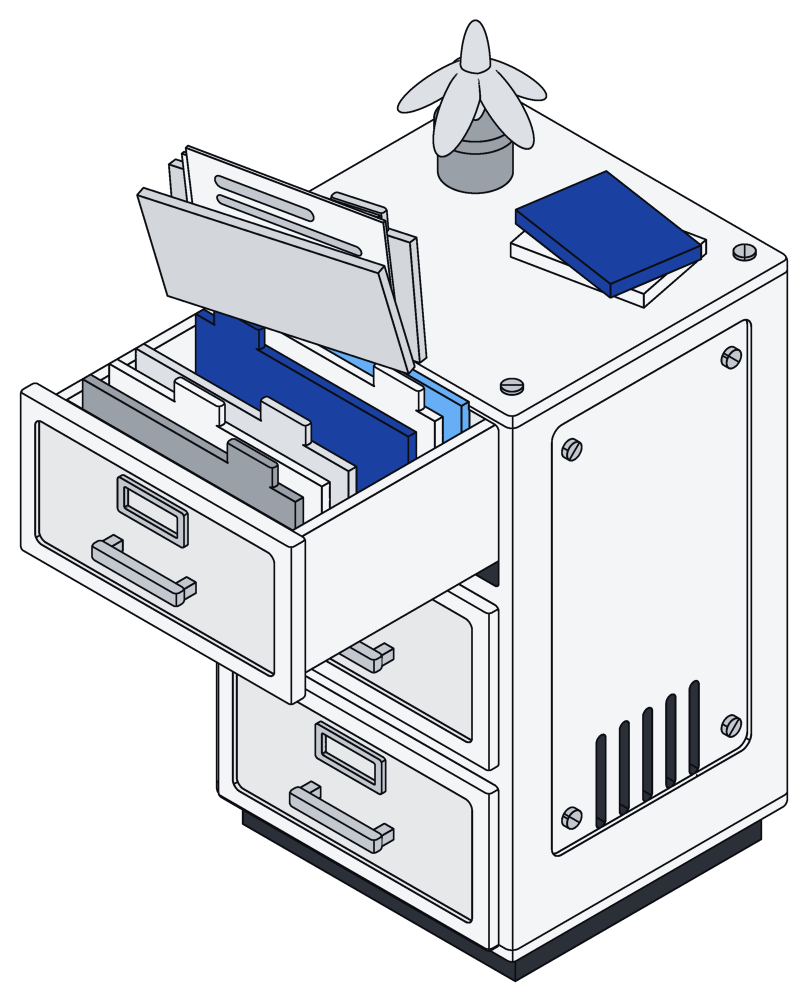
Archive closes that gap. It is one place for your records, pages and files, and your AI assistant can read and work in it directly.
Connect once, then just ask
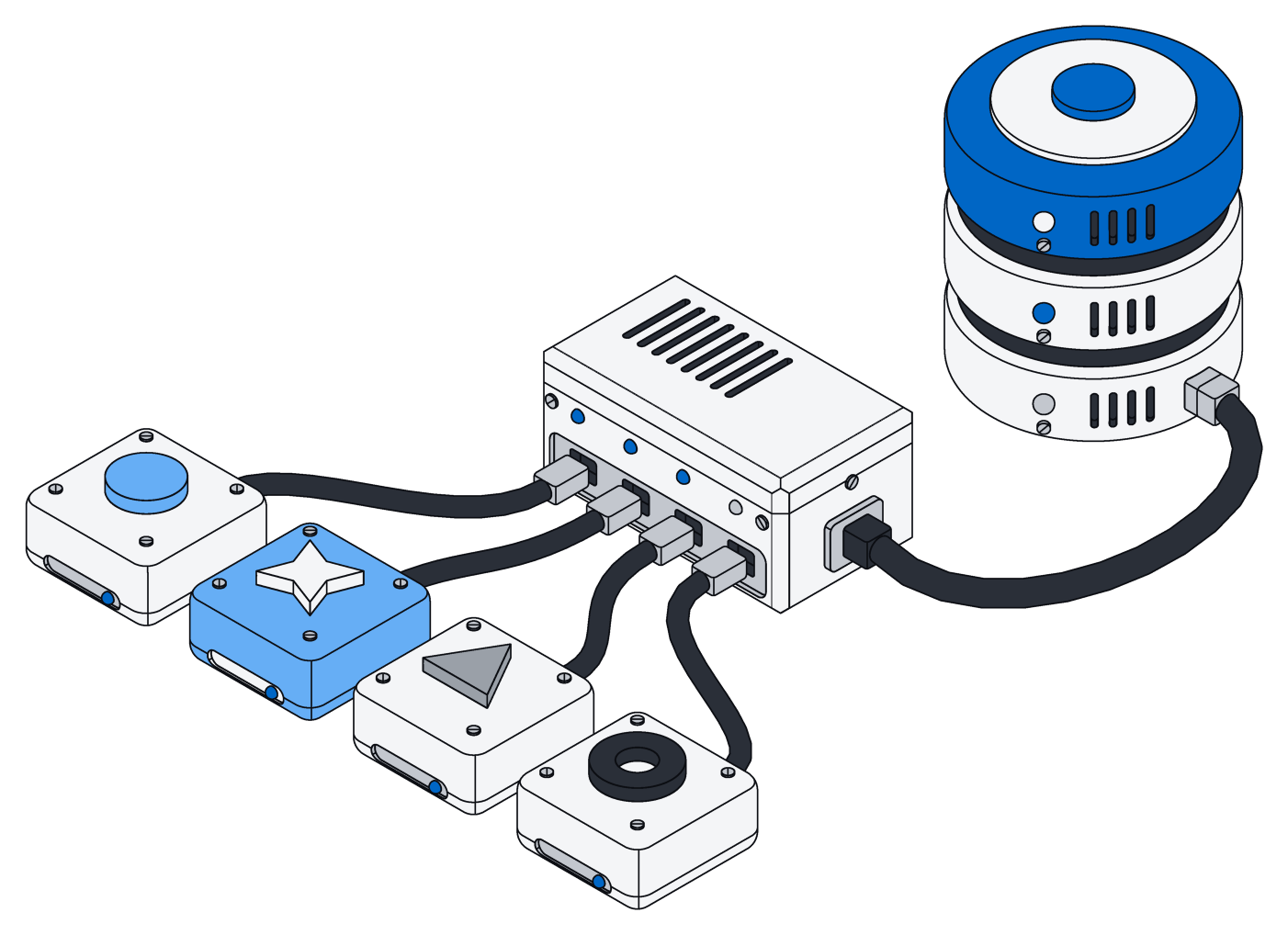
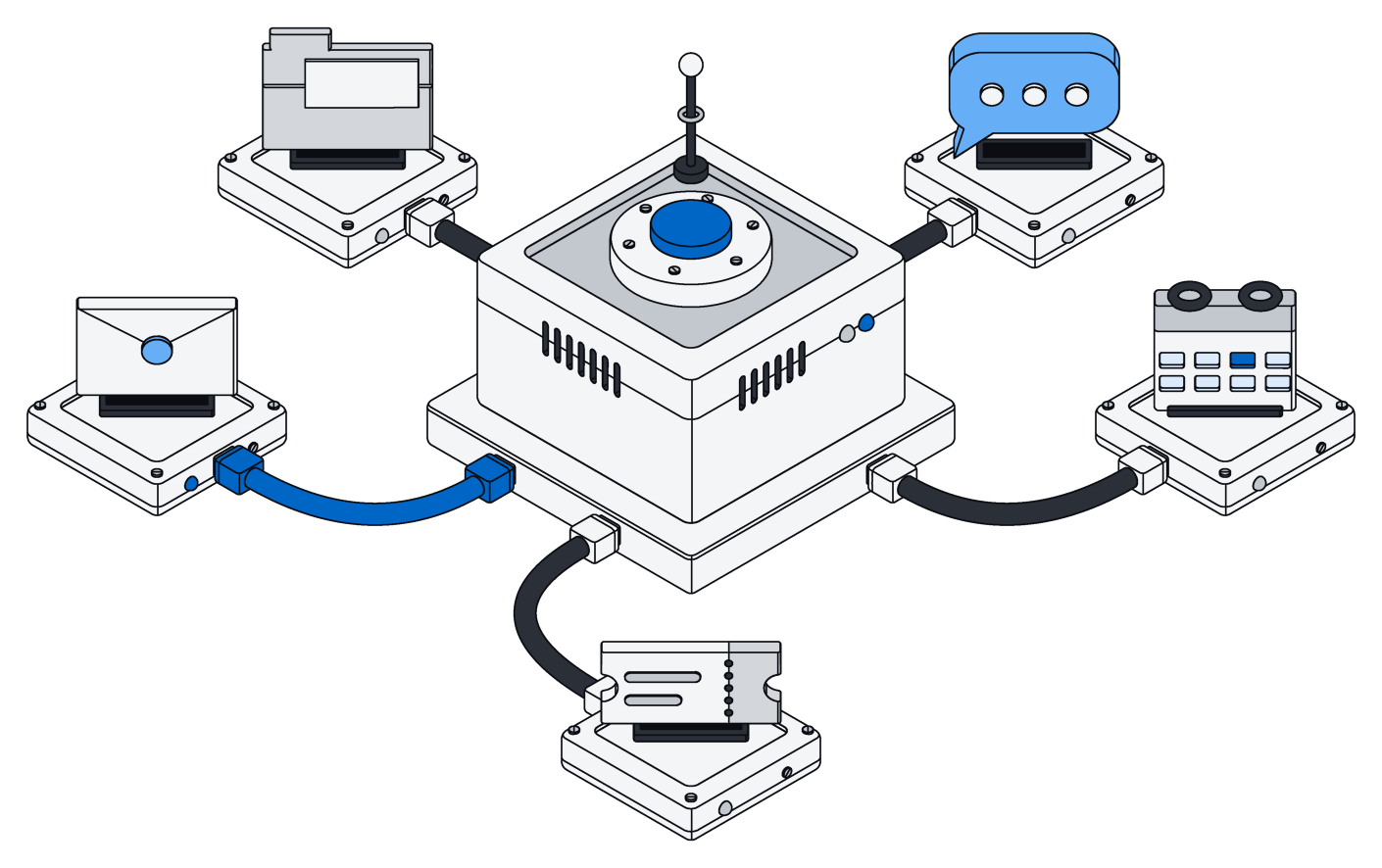
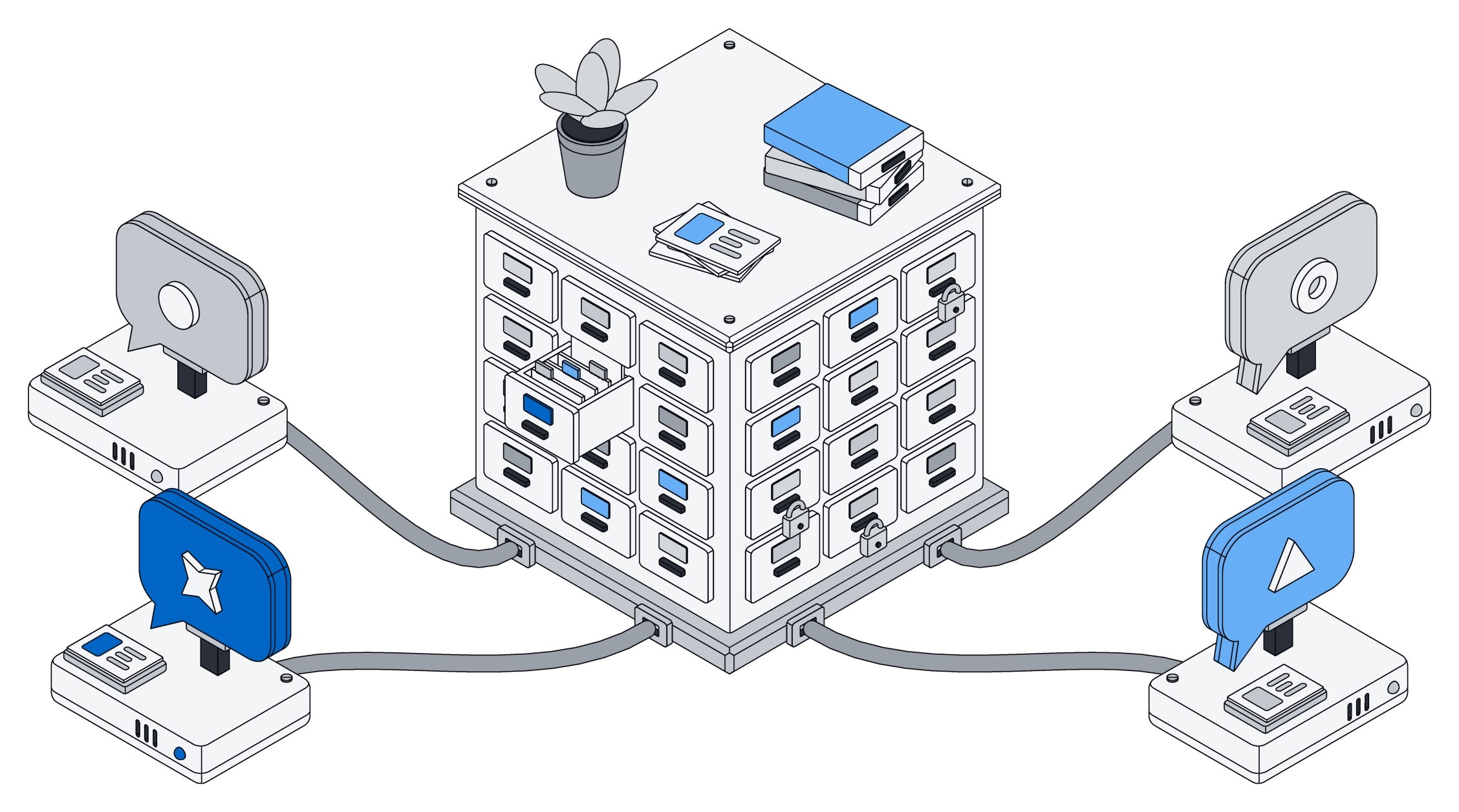
Archive is available in ChatGPT, Claude, Gemini and Grok. You add it from the assistant's list of connected apps, sign in to your workspace, and that is the whole setup. From then on, every conversation can reach the same information your team already keeps in Archive: clients, projects, invoices, contracts, notes, documents and the files people have uploaded.
There is nothing to keep in sync by hand. When someone adds a client or updates a contract, the next question your assistant answers already includes the change.
It also works the other way. Because the assistant can make changes as well as read, you can ask it to log the call you just had, add a follow-up to a project or fill in the missing details on a supplier, and it lands in the same place everyone else looks.
The assistant stops guessing about your business and starts looking things up, in the same place your team does.
What it looks like in practice
Picture a small design agency with a dozen active clients. The account lead asks, "Which projects are waiting on client feedback, and how long has each been waiting?" Instead of opening five tools, the assistant looks at the agency's projects and messages in Archive and comes back with a short list, oldest first.
Or a property manager with a few hundred units. "Which leases end in the next ninety days, and have we sent a renewal offer for each?" The assistant checks the leases, then the letters on file, and points out the three tenants nobody has written to yet.
Or a finance team closing the month. "List the supplier invoices over five thousand dollars that don't have an approval yet." The answer comes from your own invoices, not from a general idea of what invoices usually look like.
None of these questions are hard. They are just impossible for an assistant that cannot see your records.
Answers you can check
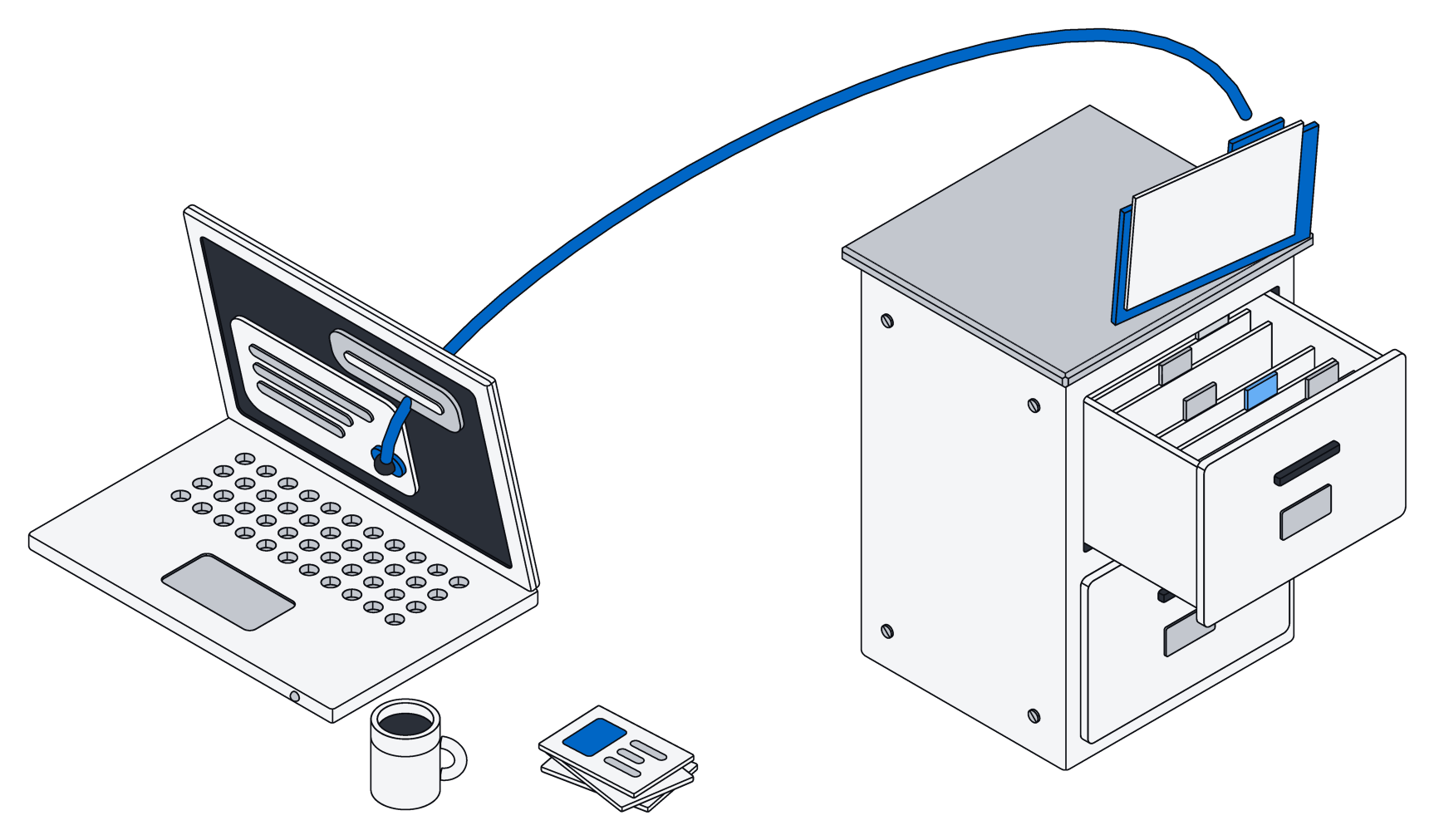
A confident answer is only useful if you can trust it. When your assistant works from Archive, it is reading specific records and files, each with its own place in your workspace. So it can tell you where an answer came from: this lease, that invoice, the notes from the March kickoff call. You can open the source and see for yourself.
That changes how you use AI at work. You stop treating the answer as the final word and start treating it as a fast, well-organized first pass that you can verify in a click. When something looks off, you can see whether the record is out of date or the question was ambiguous, and fix the right thing.
It only sees what you're allowed to see
Giving an assistant access to company information raises a fair question: who else can now see it? In Archive, the assistant does not get a key to the whole building. It works as you.
- Same access as the person asking. If you can't open the payroll records, neither can the assistant you are talking to. Two colleagues asking the same question can get different answers, because they are allowed to see different things.
- Shared spaces for teams. Everyone has a private space, and teams share spaces for the work they do together. Records belong to a space, and only its members can see them.
- Clear roles. Each person in a space can be an owner, an admin, an editor or a viewer, so you decide who can change things and who can only look.
- Sensitive details stay hidden. Fields like bank account numbers are stored locked away and stay hidden from anyone who hasn't been given access to them, assistants included.
- Separate keys for separate helpers. If you set up an assistant to do a recurring job, it gets its own access key that can only do less than you can, never more. Turn the key off and that helper stops, without touching anything else.
These rules are enforced underneath everything, not added on top of one screen. So the same limits apply whether a person is clicking around the app or an assistant is answering a question.
Use the assistant you already like
Teams rarely agree on one AI. Your designers might prefer Claude, your sales team might live in ChatGPT, and someone in finance swears by Gemini. That's fine. Archive is one memory that all of them can use, so you don't have to pick a winner or keep four copies of your information in four different places.
It also means you are not locked in. If a better assistant comes along next year, it can read the same records. Your company's memory stays where it is, and stays yours.
Getting started
Start with the information people ask about most: clients, projects, contracts, or whatever your team looks up ten times a day. Bring it into Archive, connect your assistant, and try the questions you usually answer by digging. Most teams find the first useful answer within the first afternoon.
If you want to know why your assistant works in Archive the way it does, read why your AI gets one tool, not a hundred.