
The way you organize information on day one is a guess. A good guess, usually, but still a guess. Then the business moves.
A design agency that sold projects starts selling monthly retainers. A property manager that handled long-term leases takes on a few short-term rentals. A finance team that tracked one budget splits it across three cost centers. Each change sounds small. Each one quietly breaks the way information was set up.
In many tools, that is the moment people stop updating the system and start keeping a side spreadsheet. Archive is built so you never have to.
Your structure should move with you
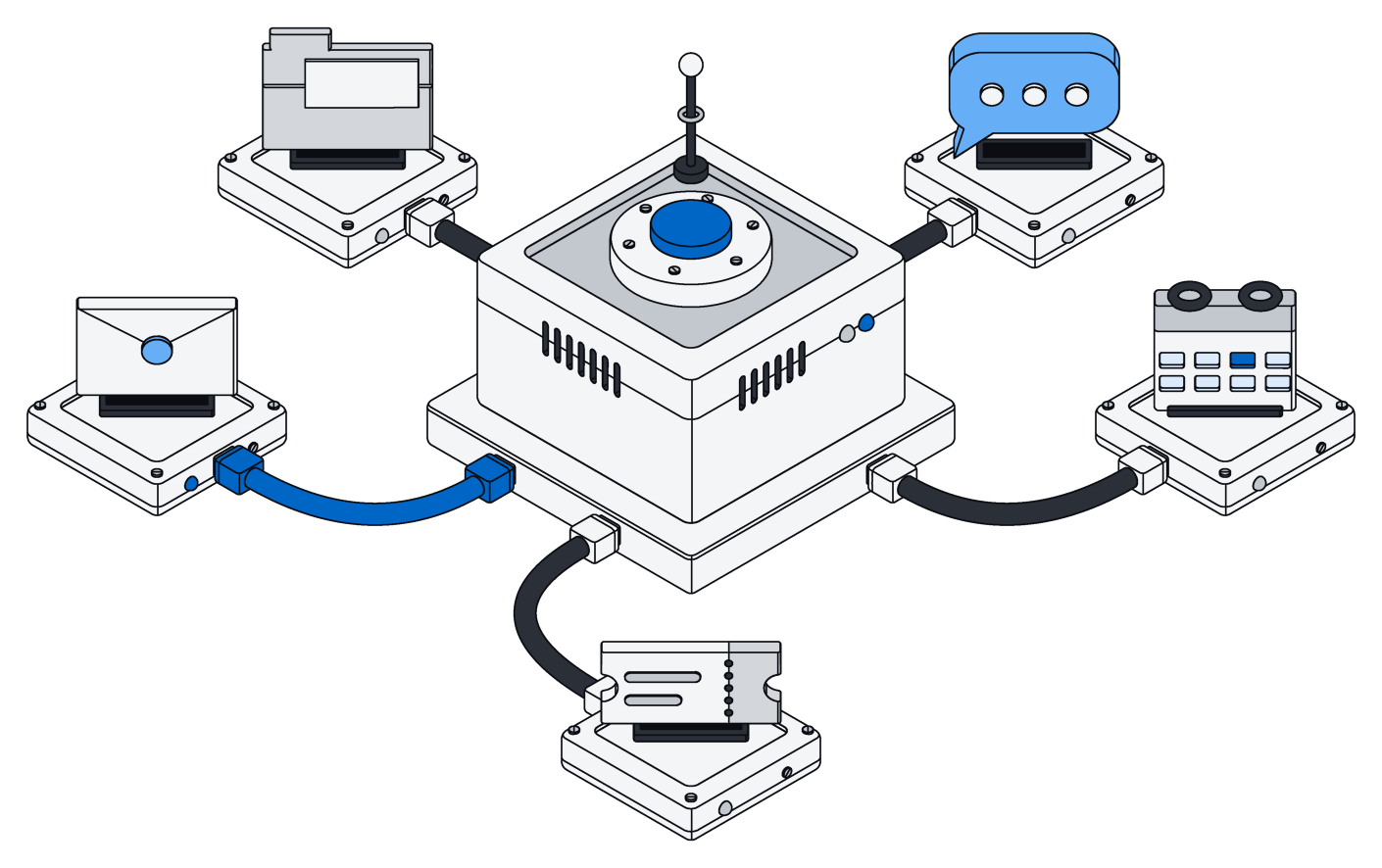
In Archive, your records are shaped the way your business works: clients, projects, units, invoices, each with its own fields and the links between them. That shape is not fixed. You can change it whenever the business changes, while the team keeps working.
The changes people make most often are simple:
- Add a field. The agency adds a renewal date and a monthly amount to its clients.
- Add a new kind of record. The agency adds retainers, each linked to a client, with its own hours and terms.
- Rename something. "Leads" become "Prospects". "City" becomes "Town". "Projects" become "Engagements".
- Remove what you no longer use. An old status nobody picks, a field from a process you retired.
You can make these changes yourself, or ask your AI assistant to do it. "Add retainers to our workspace, linked to clients, with a start date, a monthly amount and included hours" is a perfectly good instruction. Either way, the same safety rules apply.
See exactly what will change, before it happens
Changing how information is organized should never be a leap of faith. Before anything is applied, Archive shows you a preview of the change: what will be added, what will be renamed, what will be removed, and which steps carry a risk worth a second look.
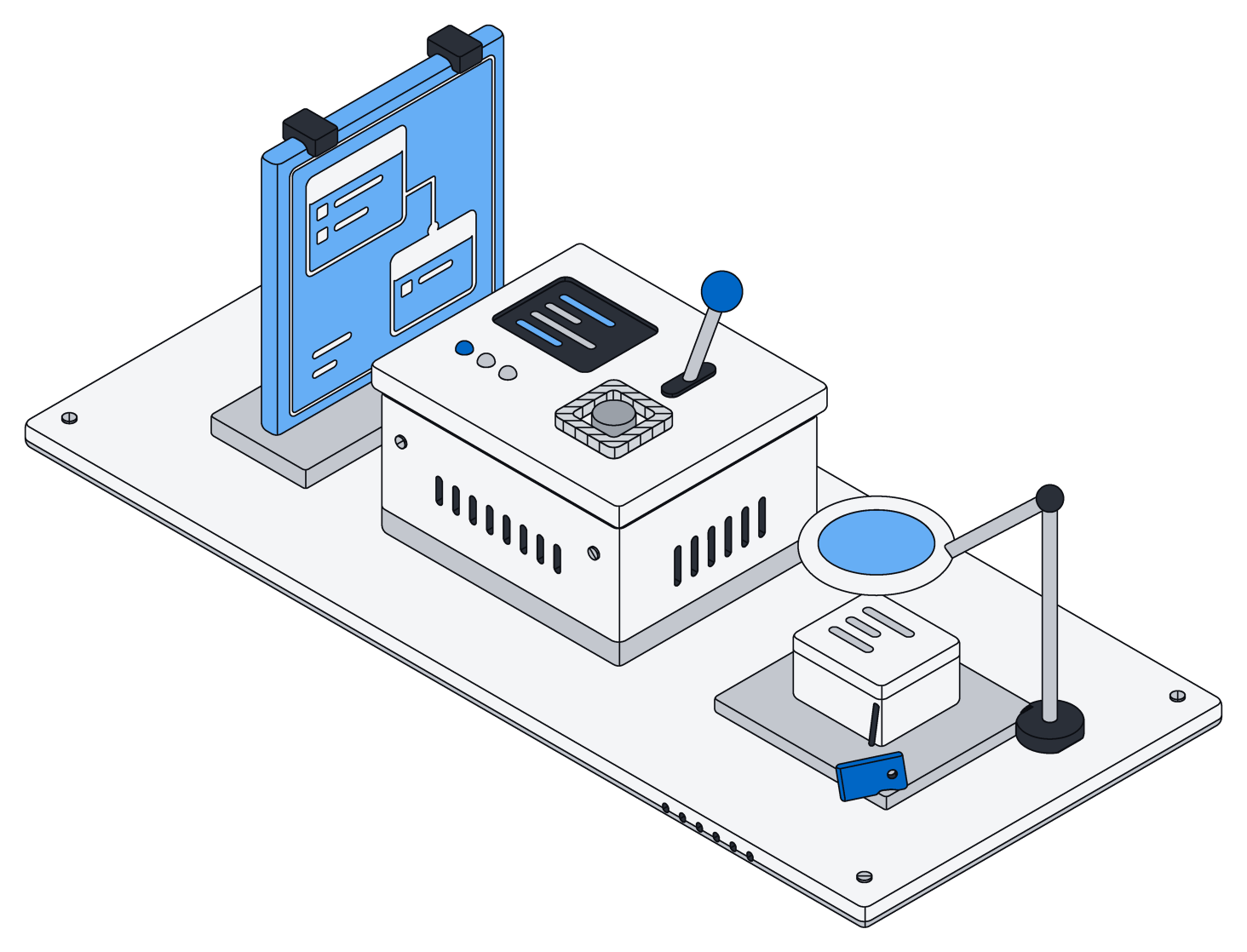
When you approve it, the change is applied all at once. Either every part of it lands or none of it does, so your workspace never ends up half changed. Everyone connected sees the new shape right away, including every AI assistant, which always works from the current version.
Renaming a field should never cost you the information in it. Removing one should never happen by accident.
Nothing deleted by accident
The scariest change is the one that throws information away. Archive treats it that way. If a change would remove a field or a kind of record that holds information, it is blocked unless you explicitly say that is what you want. A tidy-up that would quietly wipe a year of notes does not go through on a misclick, and it does not go through because an assistant misunderstood an instruction.
Some removals are harmless, and Archive knows the difference. Taking away a board or a calendar removes a way of looking at your records, not the records themselves, so it goes through without fuss.
Renames keep everything
A rename is not a delete followed by an add. When "City" becomes "Town", every value that was in City is in Town afterwards. When "Leads" become "Prospects", every prospect still has its history, its files and its links to everything else.
That sounds obvious. It is worth saying because in many systems a rename is exactly where data goes missing: a field quietly re-created, an import that matched on the old name, an automation still writing to a field that no longer exists. In Archive, you say it is a rename, and it is treated as one.
Boards, calendars and lists follow along
Most people never look at the raw shape of their information. They look at a board of jobs by status, a calendar of lease renewals, a list of open invoices. In Archive, those are simply different ways of looking at the same records, so they move with your changes.
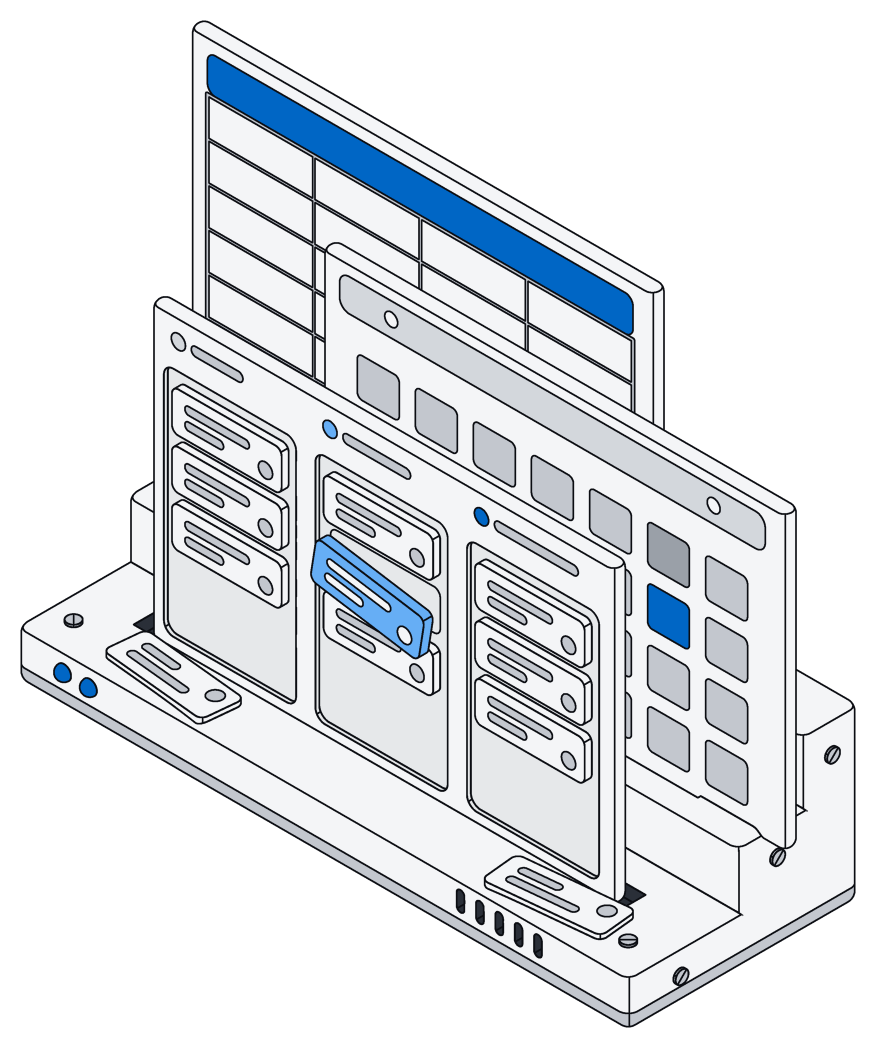
Add a renewal date to clients, and you can put clients on a calendar by renewal date the same afternoon. Add a "stage" to retainers, and a board grouped by stage is one step away. Rename a field, and every board and list that used it keeps working under the new name. Nobody has to rebuild a dashboard because the business learned something.
And because every record follows the same access rules, a new kind of record is protected from the start. Only the right people, and the right AI, see it.
What this changes day to day
The real benefit is not any single feature. It is that changing your setup stops being a project. The property manager adds short-term rentals on a Monday, with nightly rates, cleaning turnovers and a calendar of bookings, and the team uses it on Tuesday. The finance team splits its budget into cost centers without exporting anything to a spreadsheet and back. The agency's retainers show up next to its clients, and its AI assistant starts filing hours against them the same week.
Your business will keep changing shape. Now your workspace can keep up, and you will not lose a thing along the way.