
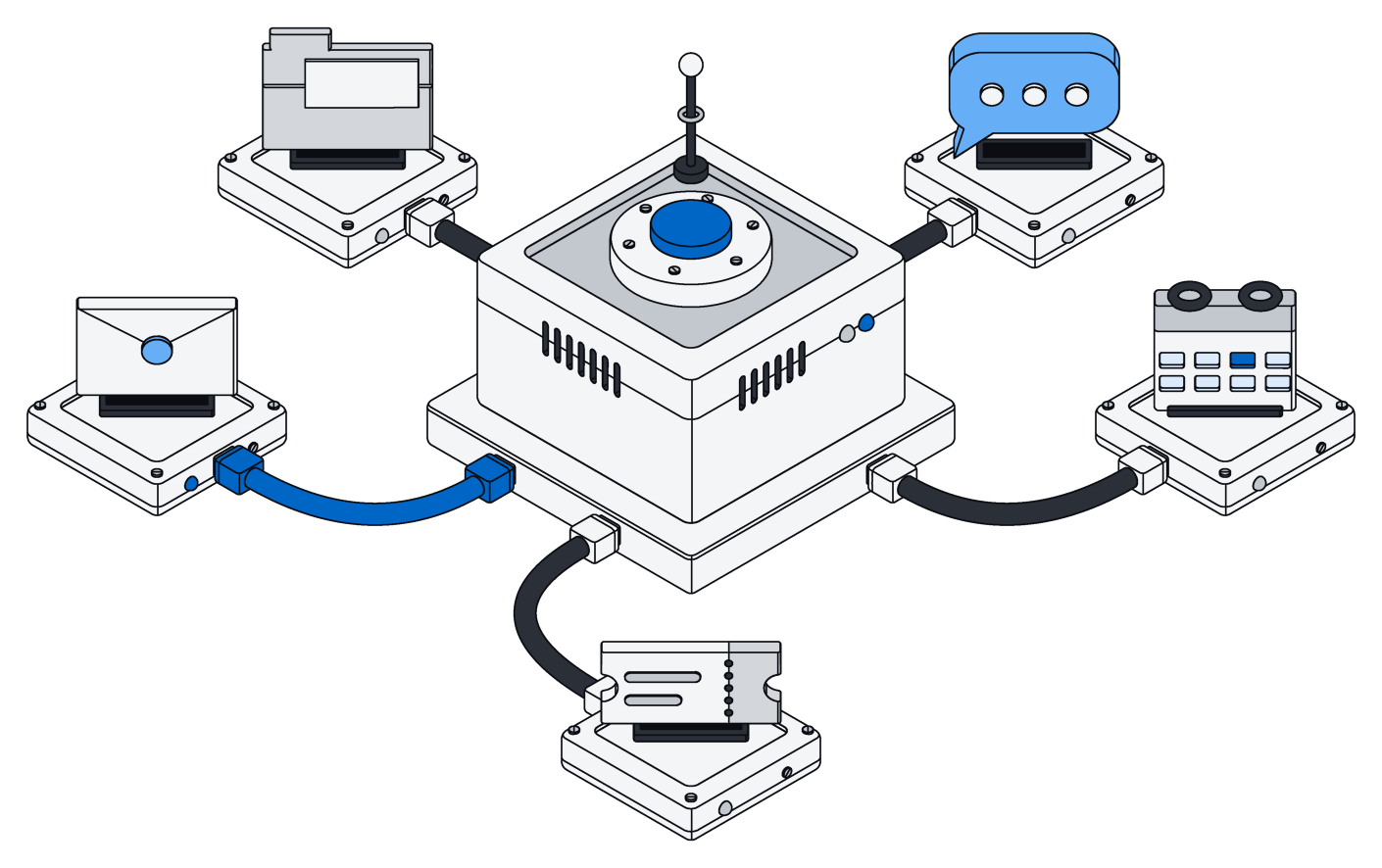



Airtable deserves a lot of credit. It showed millions of people that a database could feel as friendly as a spreadsheet. Grids, boards, calendars, forms, automations, a huge library of templates and, more recently, AI features of its own. For many teams it was the first time their work felt truly organized.
Archive starts from the same wish: flexible lists, shaped the way your business works. The difference is what sits underneath, and what you can build on top of it.
When the questions change
A base usually starts small. Then it grows, more people join, and the questions change. Why does this phone number look different from that one? Can a contractor see the projects but not the rates? Can an AI update forty records without leaving a mess if it stops halfway? Who decides what the assistant is allowed to touch?
These are database questions. Archive answers them with a real database underneath every list.
A real database underneath
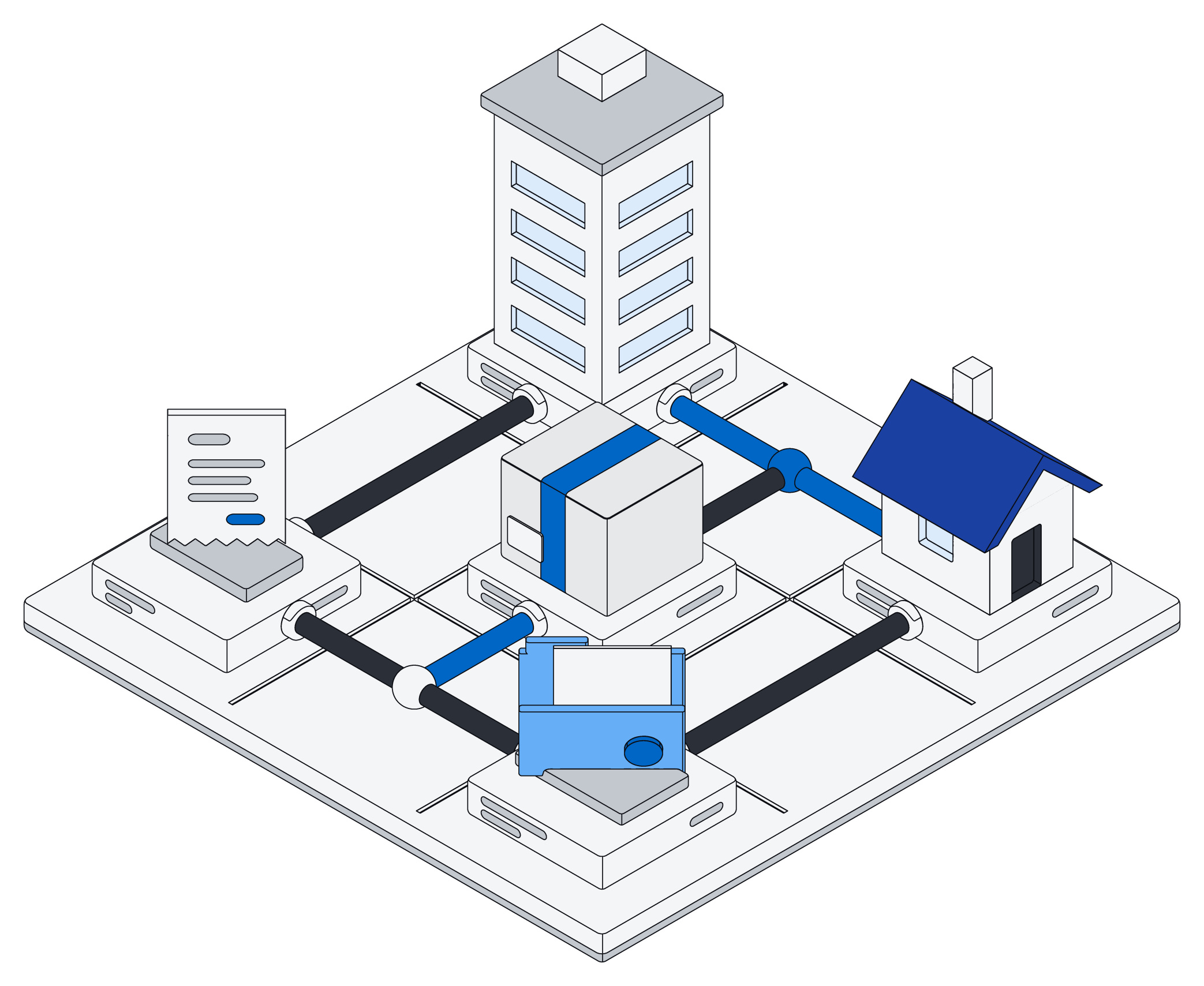
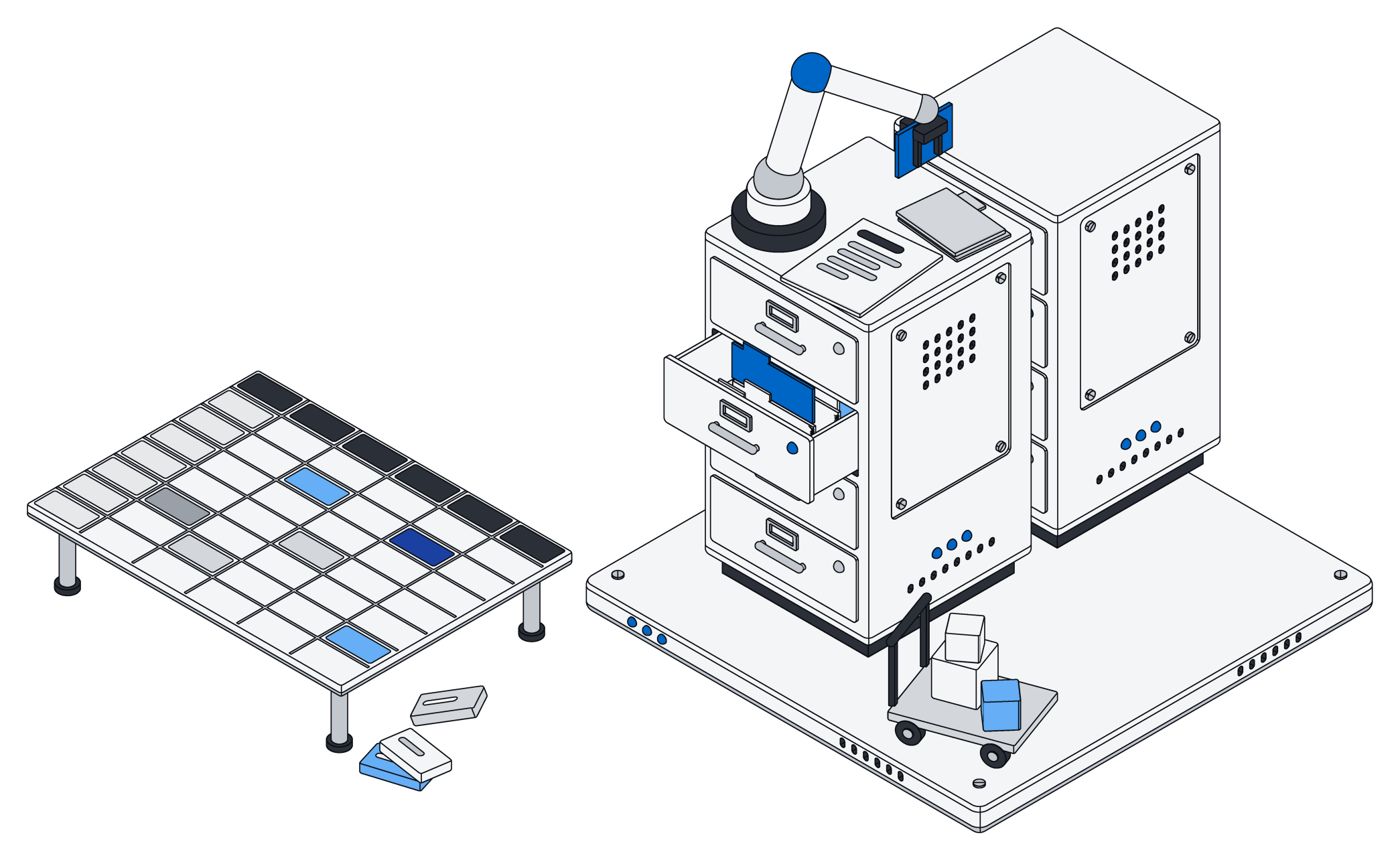
Take the finance team at a company of forty people. They track vendors, purchase orders and invoices. In Archive each of those is a list of real records, and the lists know about each other: an invoice belongs to a purchase order, and a purchase order belongs to a vendor.
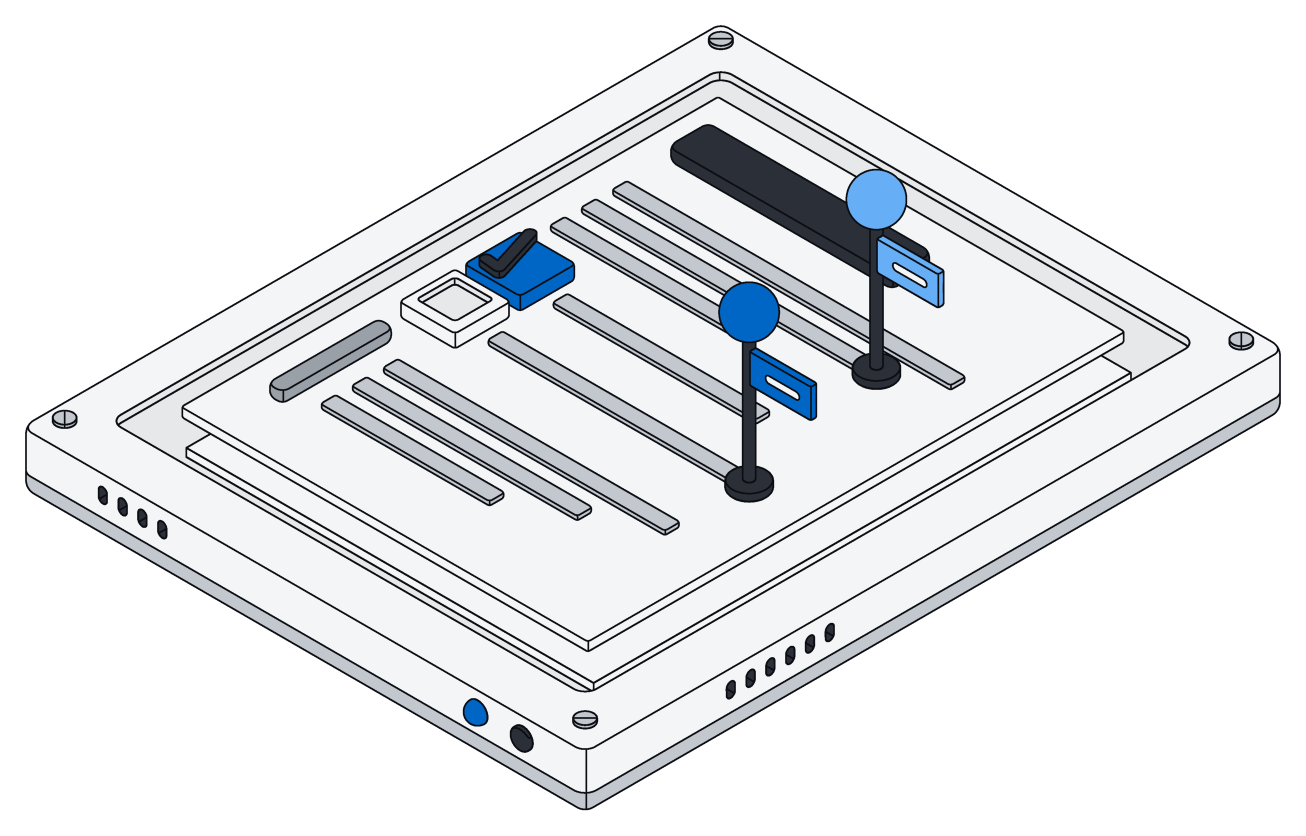
Fields know what they hold. An amount is stored as an amount with its currency, so "$1,234.50" typed by hand becomes a proper number in dollars, not a scrap of text. A phone number typed three different ways is stored one way. Email addresses are tidied as they arrive. The cleanup happens on the way in, whichever person, file or assistant the information came from.
You can change how your data is organized anytime. Add a field, rename one and keep everything in it, or link two lists together. Archive shows you what a change will do before it happens, and it will not quietly throw away information: removing something that still holds data has to be confirmed.
It keeps up as you grow
Archive runs on the same kind of database that larger businesses rely on, not on a layer that imitates one. Many people and many assistants can work in the same lists at once. When two of them change the same file, they take turns, and no edit is lost.
The same rules everywhere
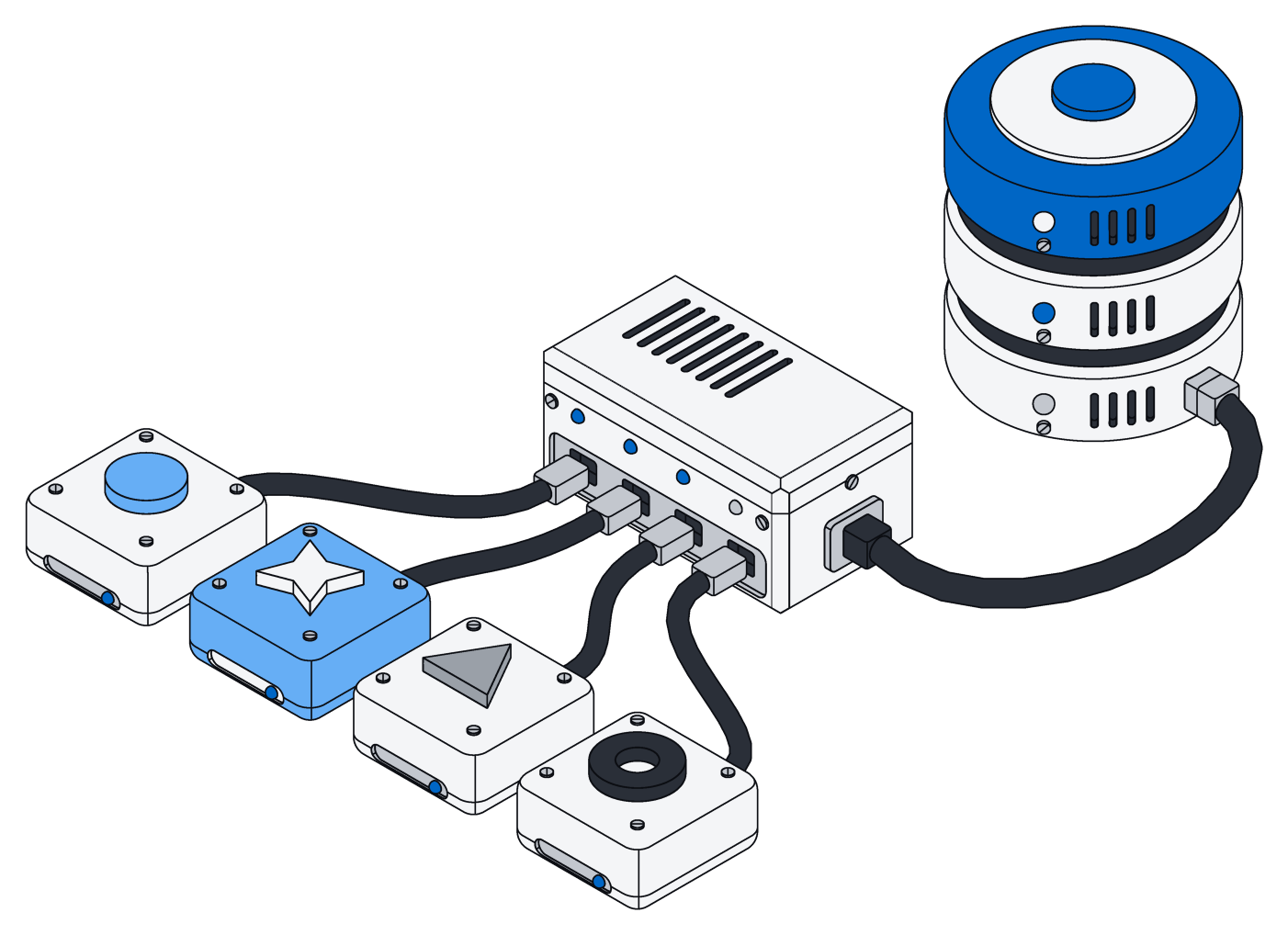
In Archive, who can see and change what is decided by the database itself. Your team in the browser, ChatGPT acting on your behalf, a script your developer wrote, a connected tool: all of them get exactly the access they were given, and nothing more. A mistake in one place cannot expose someone else's records.
Work is grouped into spaces. Everyone gets a private space, and you can make shared ones for a team or a client. The contractor sees the project space and nothing else.
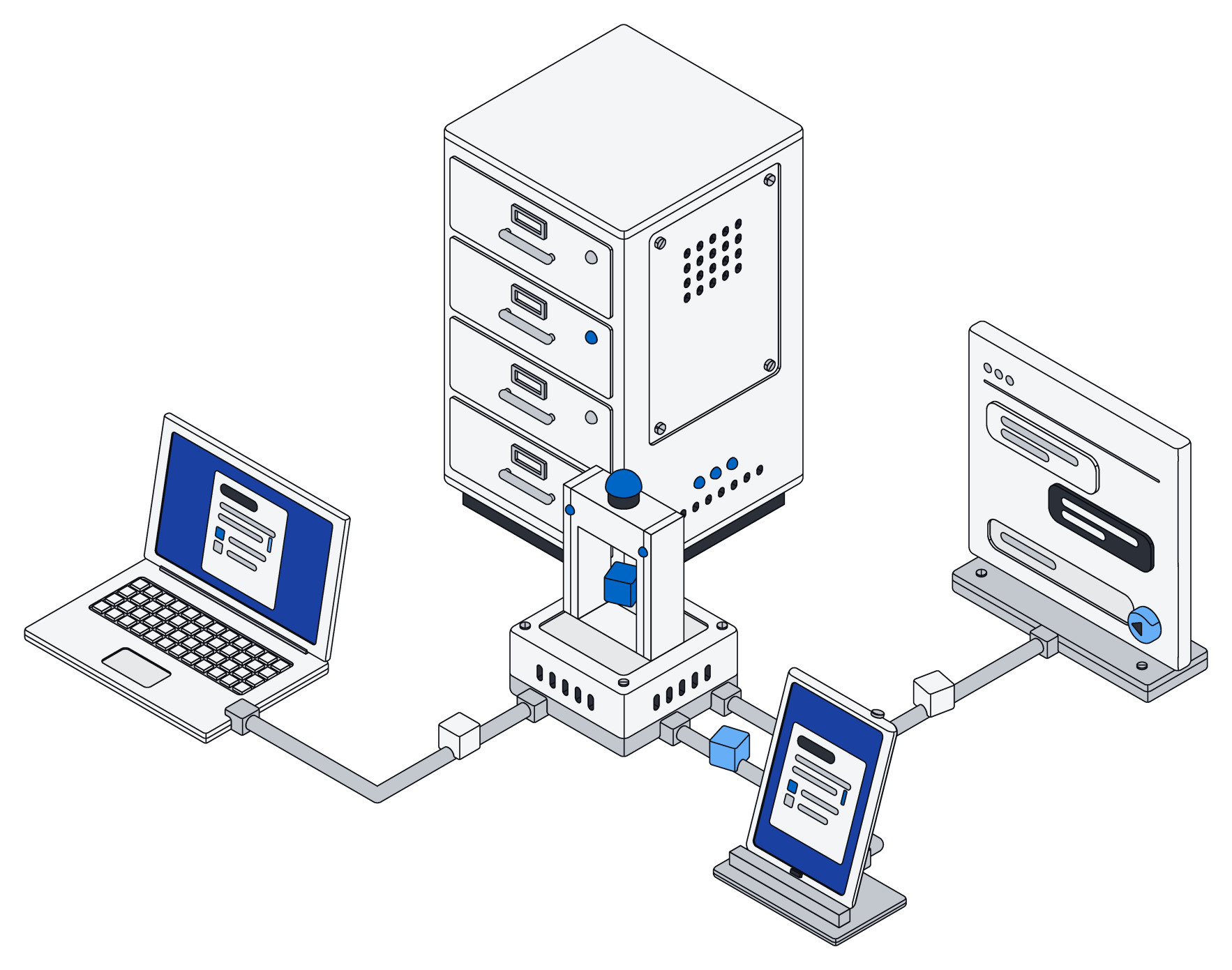
When the rules live in the database, it does not matter who is asking. A person, a script or an AI gets exactly what it is allowed, and nothing more.
Changes that land all at once, or not at all
Airtable's automations are great at "when this happens, do that". Archive takes a different route for bigger jobs: your AI assistant writes a short piece of code for the whole task, and Archive runs it in one go.
Say the finance team asks Claude to match sixty invoices against their purchase orders, mark the ones that agree and flag the ones that do not. If something goes wrong at invoice forty-one, nothing is saved. You never end up with forty matched invoices, twenty untouched ones and no way to tell which is which. Fix the problem, run it again, and it all lands together.
Pages, files and AI on top
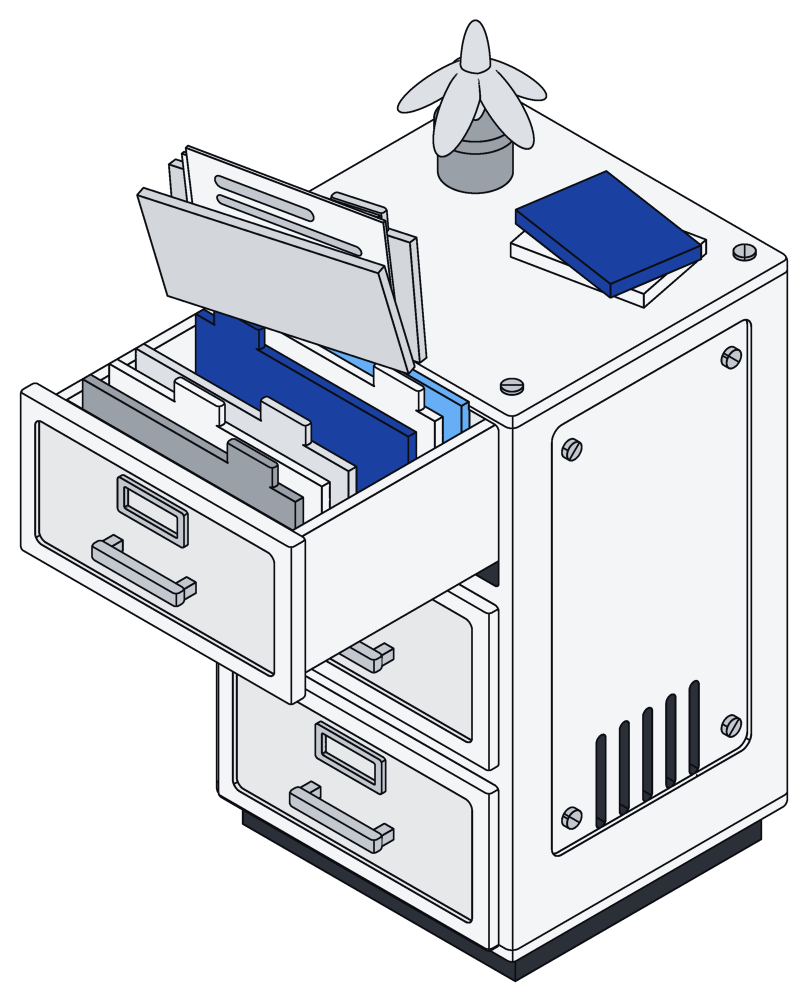
Lists are only part of the work, so Archive keeps the rest in the same place:
- Pages your team and your AI write together, live, with every change merged.
- Files that stay real Word, Excel and PowerPoint files, which your assistant can edit in place without disturbing the formatting.
- Your AI assistants, whether ChatGPT, Claude, Gemini or Grok, working directly in your records, as you.
- Your own models, trained on the records you already filed, to sort new invoices or fill in records from long documents the way your team would.
At a glance
Which one fits
If you need a quick tracker, your team loves the grid and your automations are simple, Airtable is a great choice and a pleasure to use.
If your lists have become the backbone of the business, you need every record to stay consistent, and you want your AI to do real work in them under the same rules as everyone else, that is what Archive is for. And because pages and files live alongside your records, you have fewer tools to keep in sync.