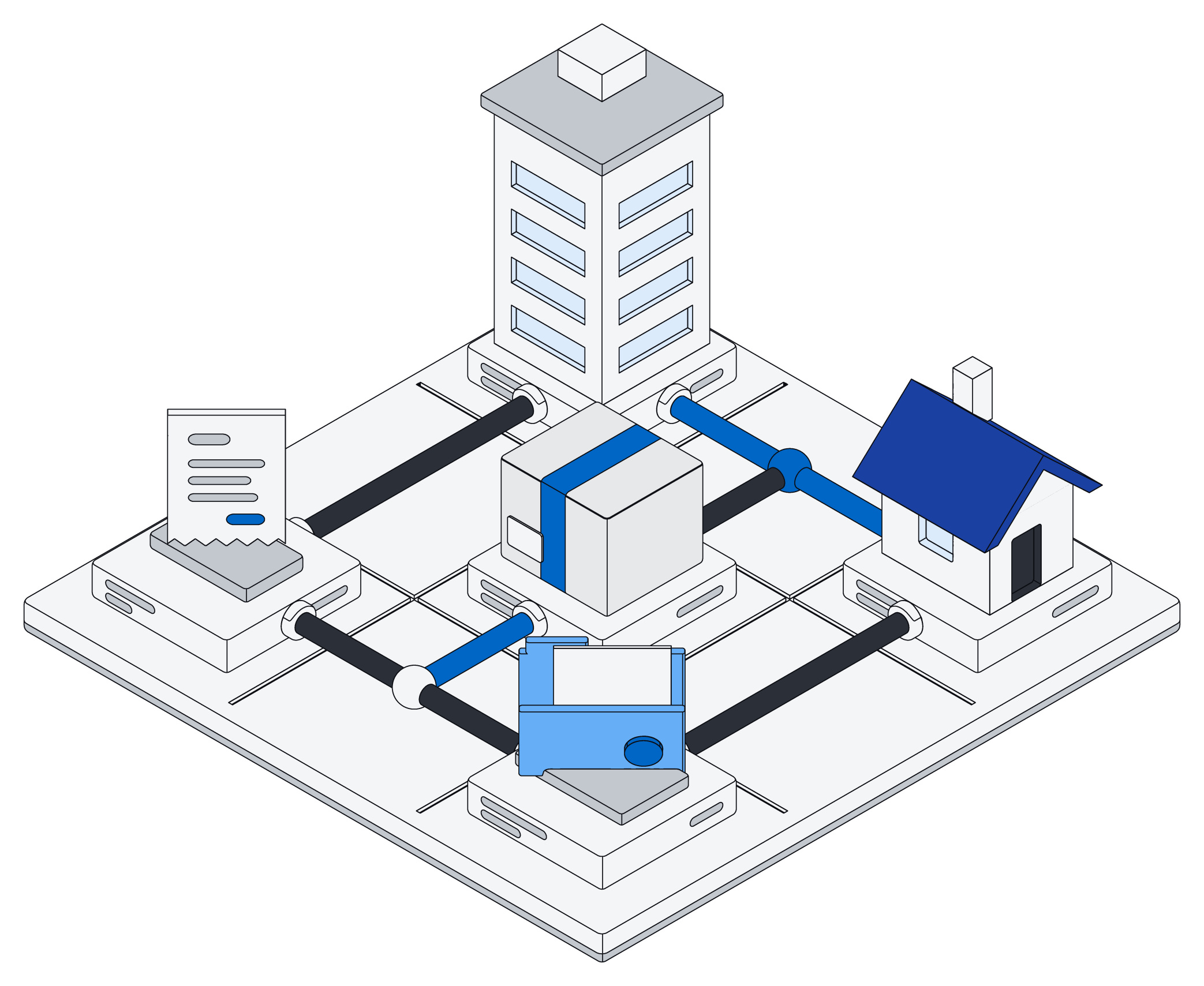
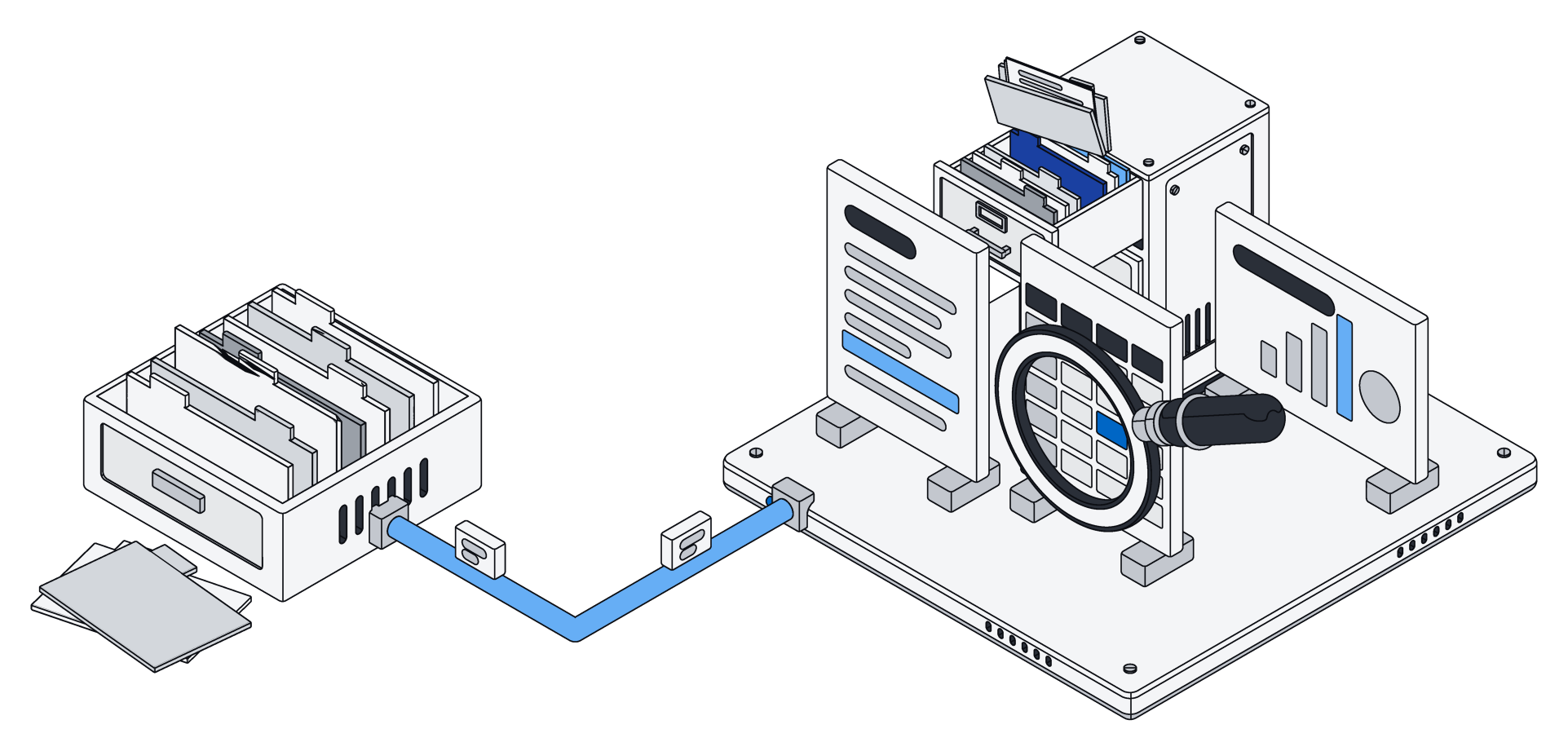
Google Drive and SharePoint are where most companies' files live, and for good reason. They are reliable, they are everywhere, and they make sharing easy. Both offer version history, search, and editing in Google Docs or Microsoft Office, and both are building their own assistants into their suites, Gemini in Google Workspace and Copilot in Microsoft 365.
Archive is not trying to replace your office suite. It answers a different question: once your files are stored, how do you turn what is inside them into something your team and your AI can actually work with?
Folders know where a file is. Archive knows what it says.
A folder is a great answer to "where did I put that?" It is a poor answer to "which of these say what I need?"
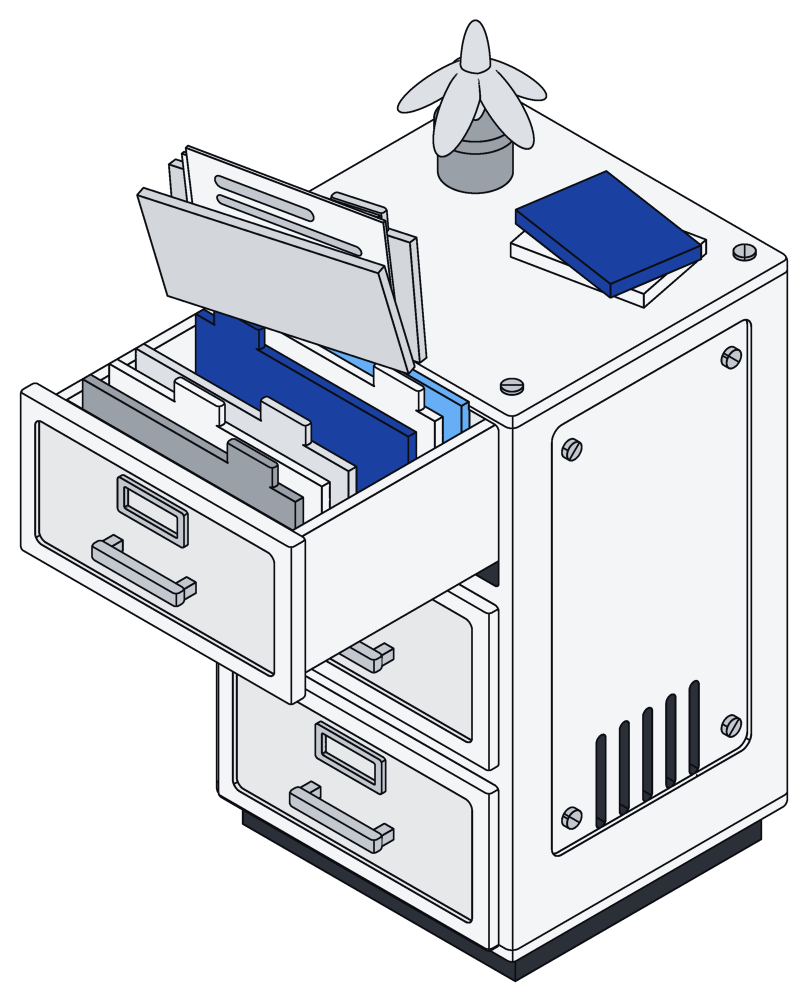
Take a property manager with a hundred and twenty lease agreements, filed in a folder per building. Someone asks which leases end before March and have no renewal clause. With folders, someone opens every lease. In Archive, your AI assistant reads the leases once and files each one as a record in a Leases list, with the tenant, the unit, the monthly rent, the end date and a link back to the original file. From then on, that question takes a sentence to ask and a moment to answer.
The lease stays a lease. The file is still there, exactly as it was signed. The record simply sits next to it, so the facts inside the file become something you can sort, filter and act on.
Search that looks inside
When a PDF, a web page or an Archive page is saved, Archive pulls out its text right away, so search finds the words inside it, next to your records. Search inside Word, Excel and PowerPoint files is on the way. Drive and SharePoint have strong search too; the bigger difference is what happens after you find something.
Your AI edits Office files in place
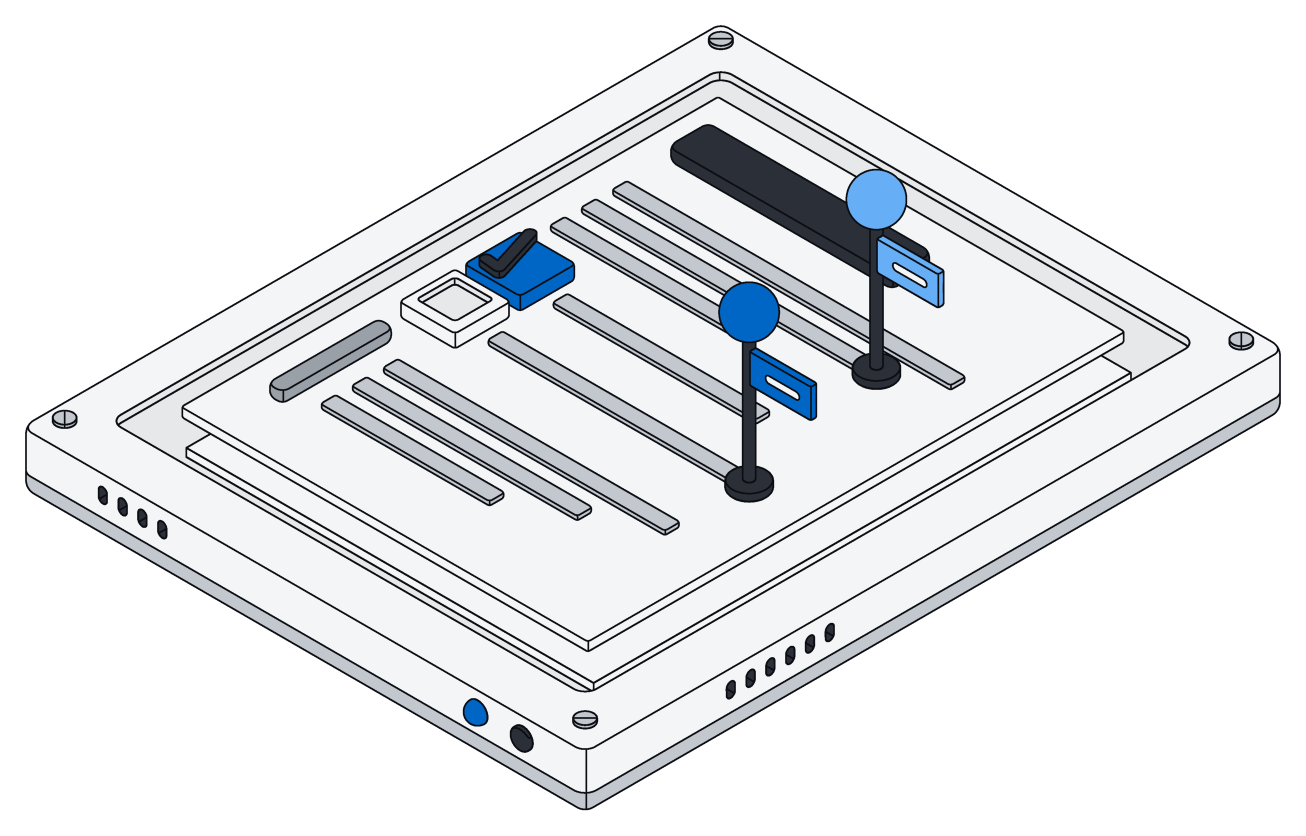
Your assistant can open a Word document as paragraphs, a spreadsheet as cells and a presentation as slides, then change exactly what you asked for. Everything else stays as it was, down to the last byte: styles, images, comments, charts, even parts of the file Archive has never heard of.
Say the finance team prepares a monthly board pack, an Excel budget and a PowerPoint deck. They ask Claude to update the third-quarter actuals in the budget and the headline numbers on the summary slide. It sets the cells, and the totals recalculate the moment the workbook is opened. It replaces the text on the slide, and the fonts, colors and chart stay exactly where the designer put them. If one of those edits fails, none of them are saved, so the pack never ends up half updated.
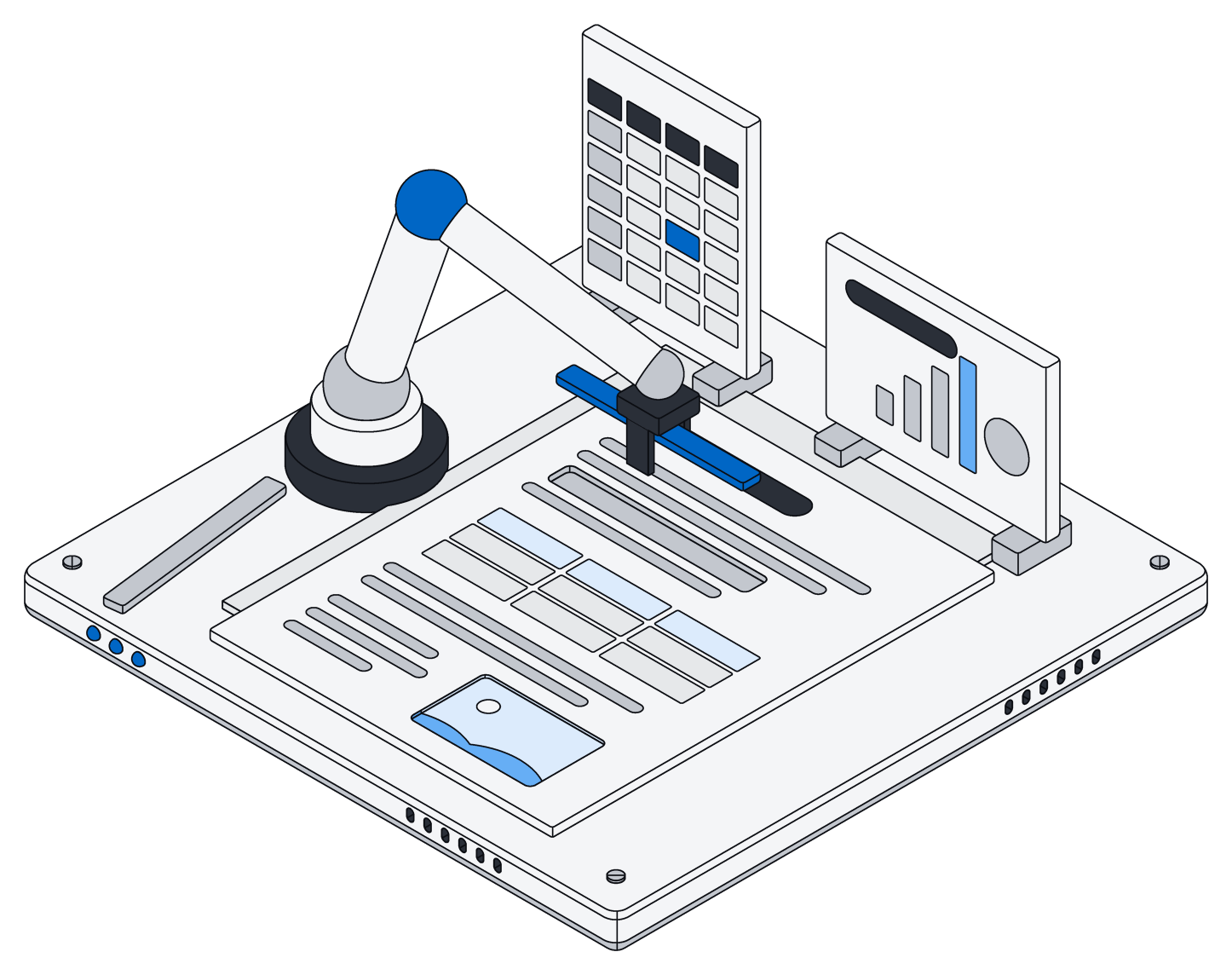
Your AI should be able to fix one clause in a contract without retyping the contract.
There are limits today, and we would rather say so. Your assistant can change text, add or remove paragraphs, fill in cells and formulas, add entries to a list in a spreadsheet and rewrite the text on a slide. It cannot yet add new slides, reshape a spreadsheet's layout or change formatting like bold or number formats. For heavy layout work, people still reach for Docs, Sheets or Office.
Not either/or: bring Drive and SharePoint in
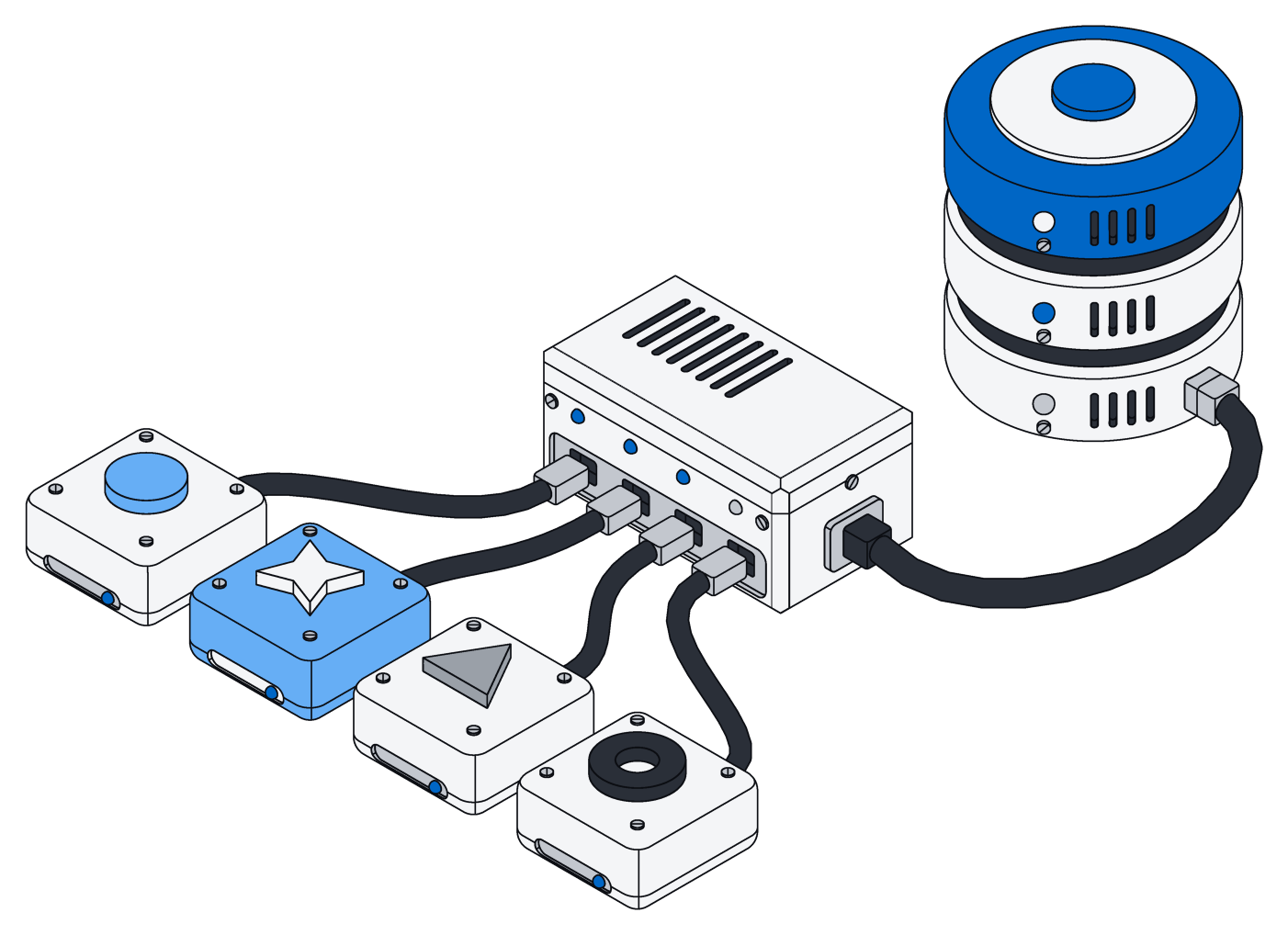
You do not have to move anything to try Archive. Connectors for Google Drive and for SharePoint and OneDrive bring your files into an Archive space, and keep them up to date by picking up only what changed. Google Docs, Sheets and Slides arrive as Word, Excel and PowerPoint files. Delete something at the source and it goes in Archive too. The first sync starts with your newest files, so this week's work is searchable first.
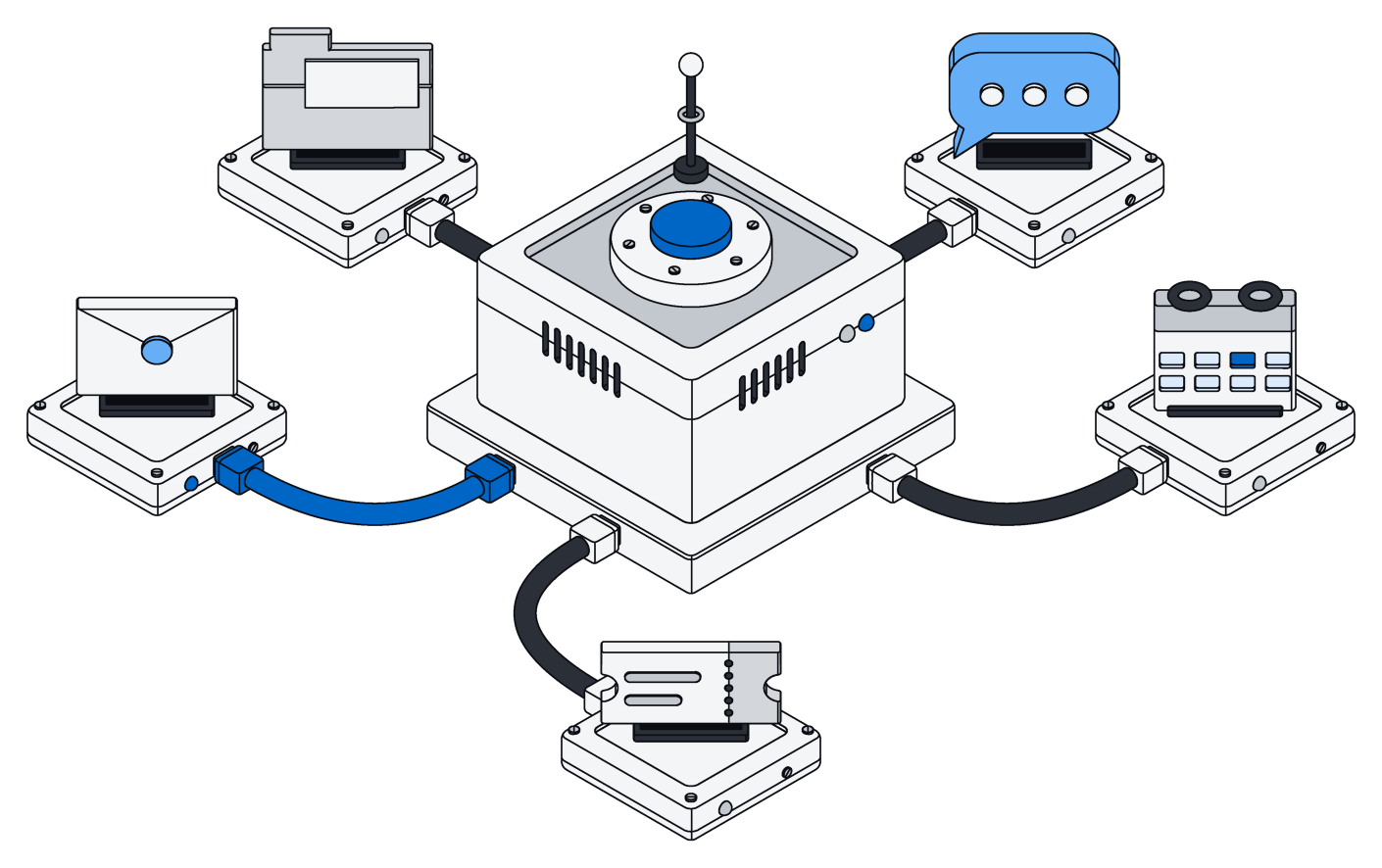
Connectors only read. They never change anything in Drive or SharePoint, so your team keeps working the way it does today. Archive becomes the place where those files turn into records your AI can reason about, next to your mail, chat and other tools.
At a glance
Which one fits
Keep Drive or SharePoint for what they do best: storing, sharing and editing documents together every day.
Add Archive when you want those files to become knowledge your team and your AI can act on, with records you can ask about, documents your assistant can update without breaking them, and every change made under the same rules as everyone else.